72 PMCS Interface Toolkit
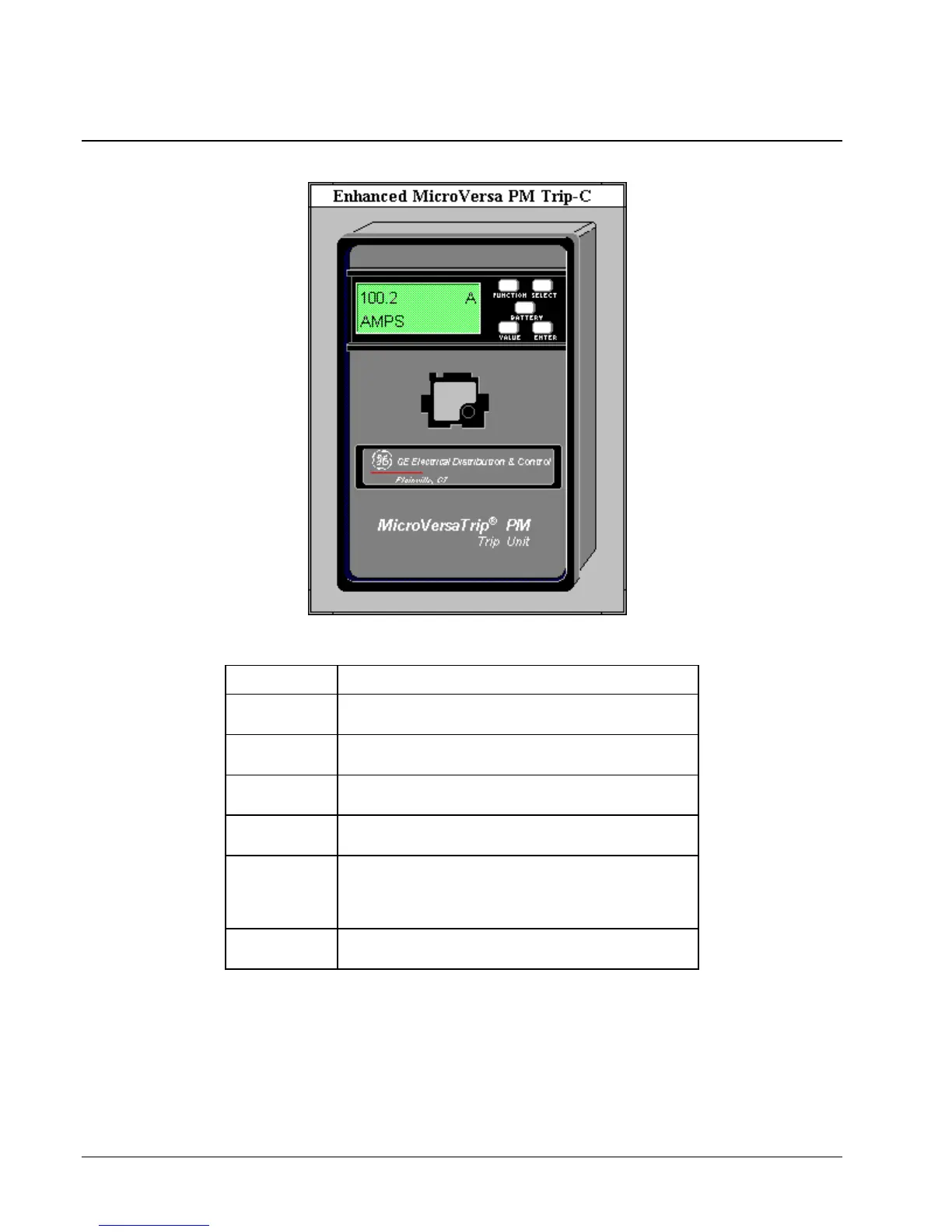
Enhanced MicroVersaTrip-C Trip Unit
The large faceplate representation of the Enhanced MicroVersaTrip-C trip unit
provides the following animated functions:
Click on ... Function
Display
Window
Opens the tabular data window specified during wizard
configuration and sets the view to the Monitoring page.
FUNCTION
Button
Opens the tabular data window specified during wizard
configuration and sets the view to the Setup page.
ENTER Button Opens the tabular data window specified during wizard
configuration and sets the view to the Setup page.
BATTERY
Button
Opens the tabular data window specified during wizard
configuration and sets the view to the Setup page.
VALUE Button Changes phases in appropriate modes, depending on
whether the device has been configured as Wye or Delta,
Phase is indicated by numbers in the upper right of the
display; press VALUE to display a different phase.
SELECT
Button
Rotates among eight different modes, as shown in the lower
left of the display, with units in the lower right.
Table 3. EMVT-C Faceplate animated functions.



 To Next Page