193
• Demand
• Power
• RTD Information
• Motor Data
The Clear Peak Demand button clears all peak demand values.
The Clear MWh & Mvarh button clears all MWh and Mvarh data
The Clear Max RTD Data button clears the maximum RTD data and
The RESET Device button will issue a RESET command to the device.
Pickup Tab
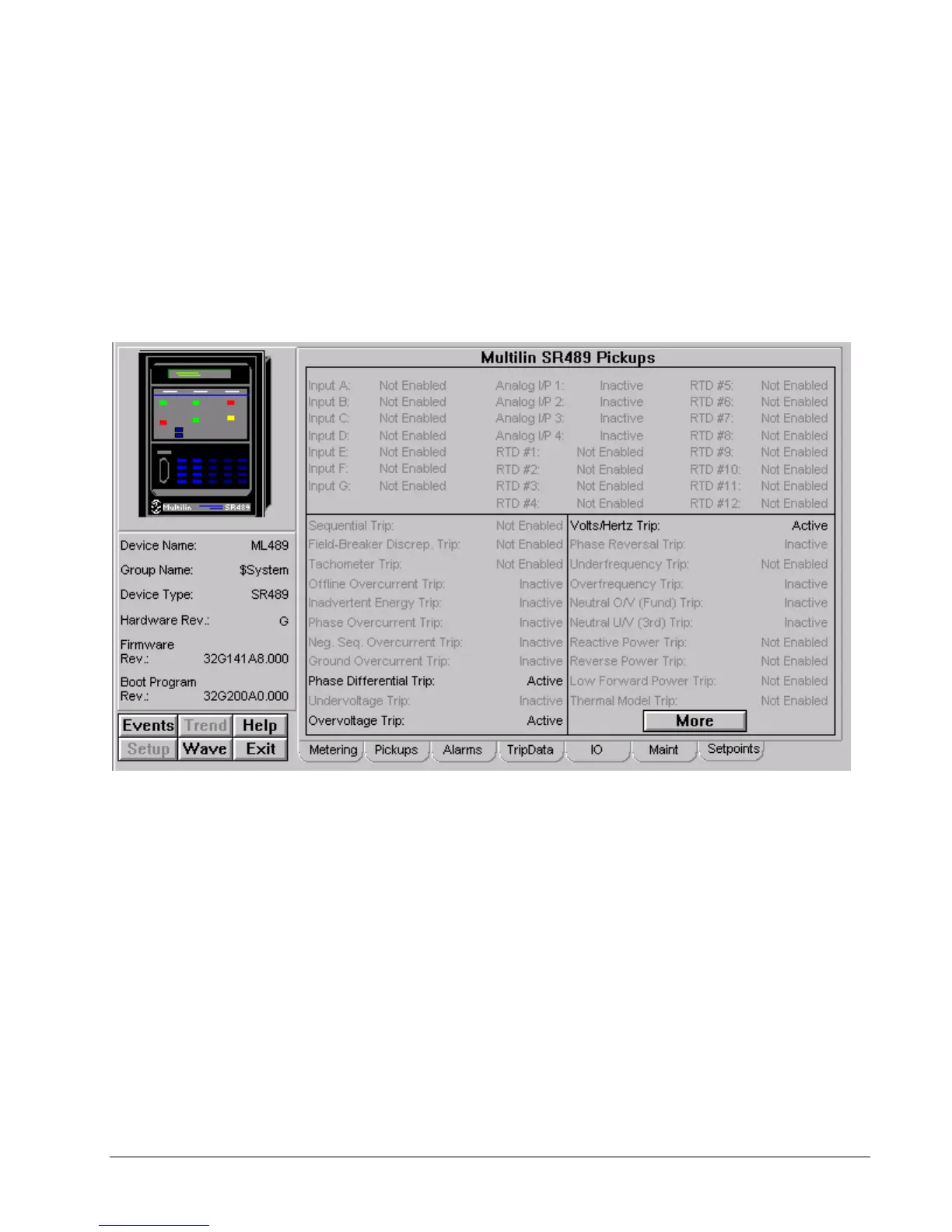
The Multilin SR489 Pickups screen shows:
• Phase Differential Trip
• Overvoltage Trip
• Volts/Hertz Trip
CLICK MORE BUTTON TO SEE MORE PICKUPS
Alarms Tab



 To Next Page