76 PMCS Interface Toolkit
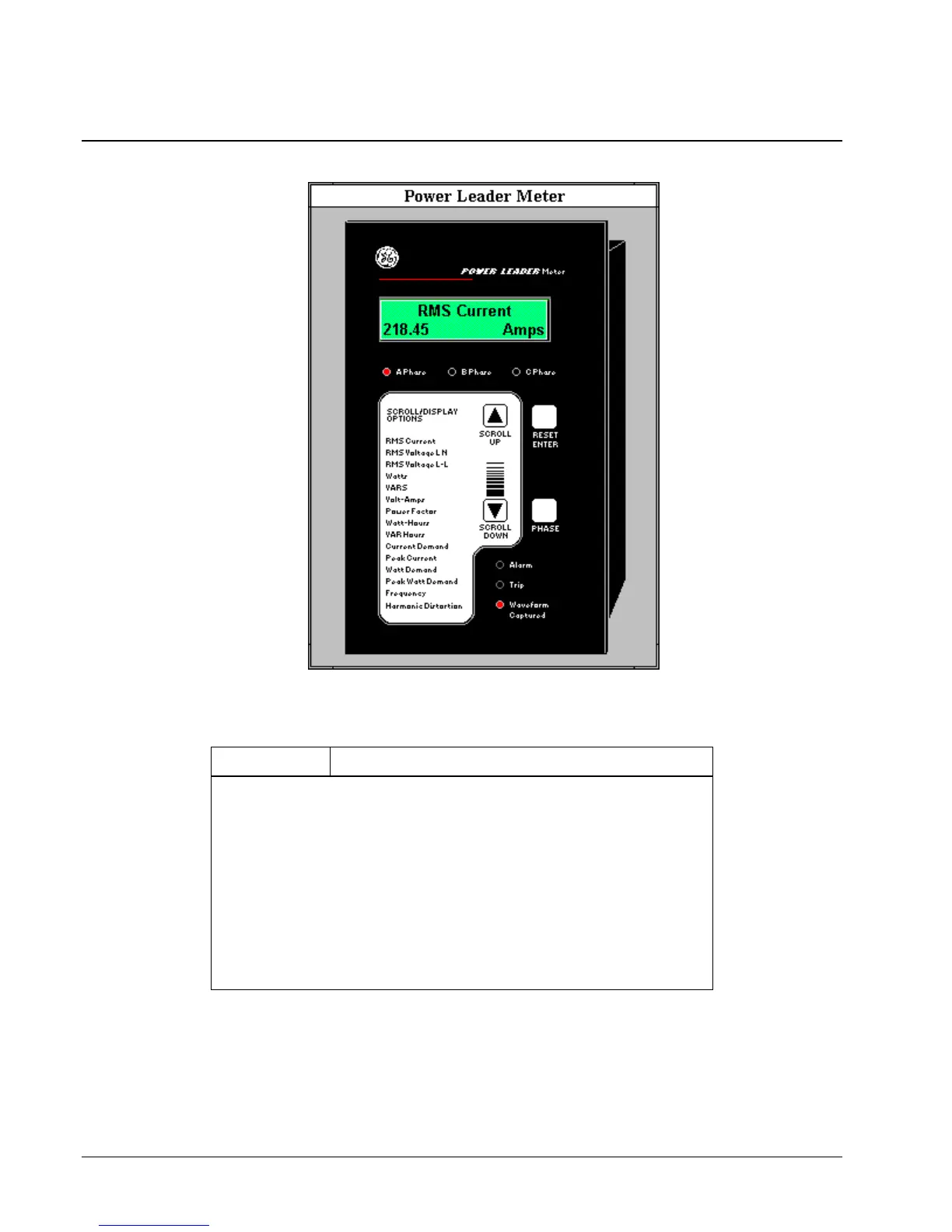
POWER LEADER Meter
The large faceplate representation of the POWER LEADER Meter provides the
following animated functions:
Feature Function
Display Window Opens the tabular data window specified during wizard
configuration and sets the view to the Monitoring page.
GE Logo Opens the tabular data window specified during wizard
configuration and sets the view to the Setup page.
RESET/ENTER
Button
Opens the tabular data window specified during wizard
configuration and sets the view to the Setup page.
PHASE Button Rotates among phase readings for appropriate modes, indicated
by the phase LEDs below the display window.
SCROLL UP
and SCROLL
DOWN Buttons
Loop through display modes either down or up the list of
parameters. Fourteen modes available with a Delta-configured
device; one additional with Wye.
Table 5. PL Meter Faceplate animated functions.



 To Next Page