3
Conventions
You will find this book easy to use if you look for these simple conventions:
• Boldface type indicates the name of an item you need to select.
• Monospace type indicates an example or text that is displayed on the
screen.
• UPPERCASE type indicates a file name, command name, or acronym.
About the Interface Toolkit
The Interface Toolkit consists of the Wonderware InTouch development
environment and a special set of wizards developed for use with the power
management devices supported by PMCS.
Installation
To install the Interface Toolkit from the CD-ROM, refer to the instructions provided
in GEH-6514, Read This Book First.
When InTouch is successfully installed, you must add the PMCS wizards to
InTouch’s library of available wizards.
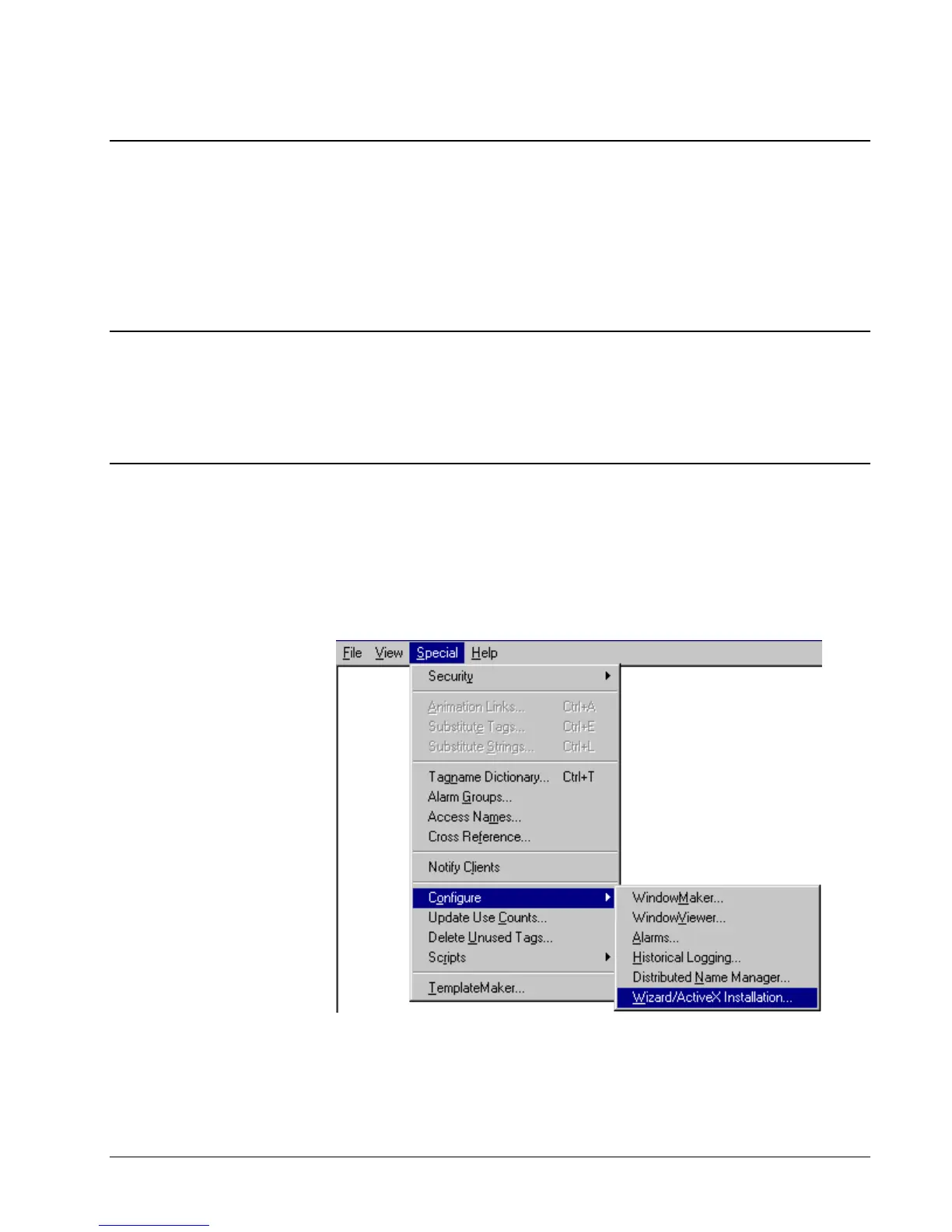
To add the wizards to InTouch, start InTouch and enter Development mode. Pull
down the Special menu and select Configure > Wizard.



 To Next Page