4 PMCS Interface Toolkit
From the InTouch Configuration menu, select Install Wizards.
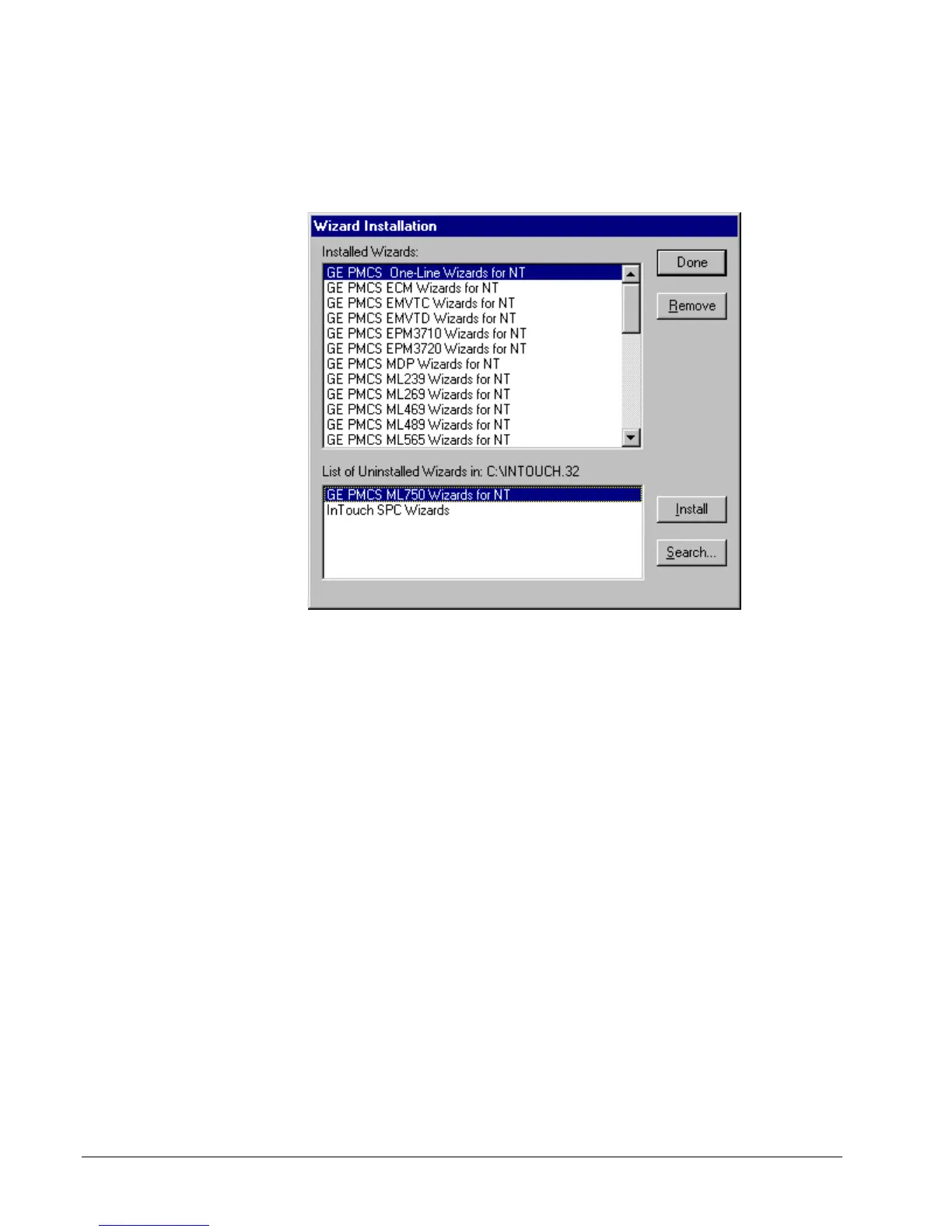
The Wizard Installation dialog displays two list boxes, showing the currently
installed wizards and the wizards available for installation. Select the desired wizards
from the bottom box and click Install. When the installation is complete, click Done.
Exit from the InTouch Configuration dialog box by clicking OK. The PMCS wizards
should now be loaded and ready for use.



 To Next Page