30 PMCS Interface Toolkit
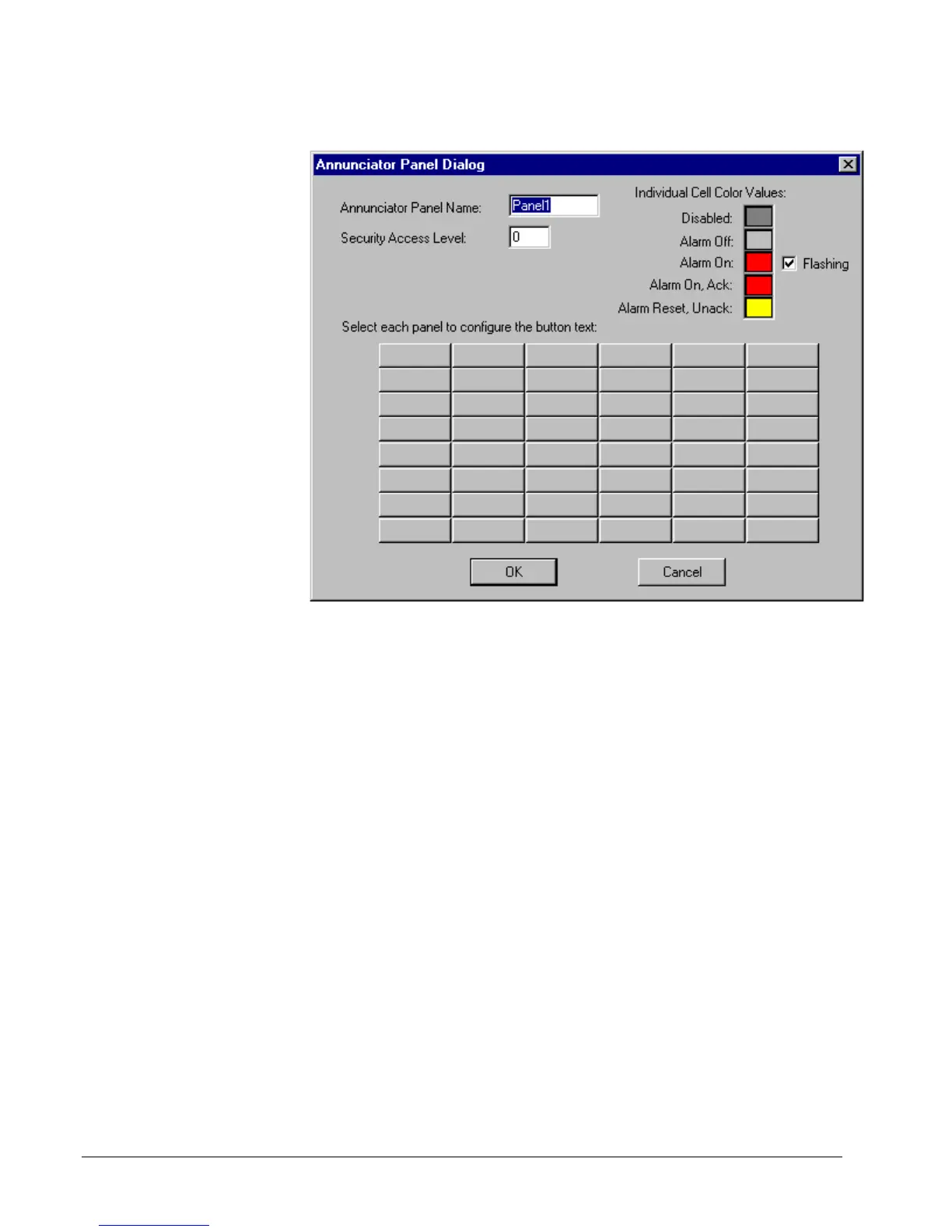
Double-click on the wizard to display the Annunciator Panel
Dialog:
Complete the Annunciator Panel Name field (up to 8 characters), and the Security
Access Level (level of security required to Reset any Acknowledged alarms. The
color codes for different alarm states can be modified by clicking on each color. Note
that the color codes apply to all 48 indicators on the annunciator panel wizard.
Finally, click on an indicator to display the configuration dialog for that individual
button:



 To Next Page