50 PMCS Interface Toolkit
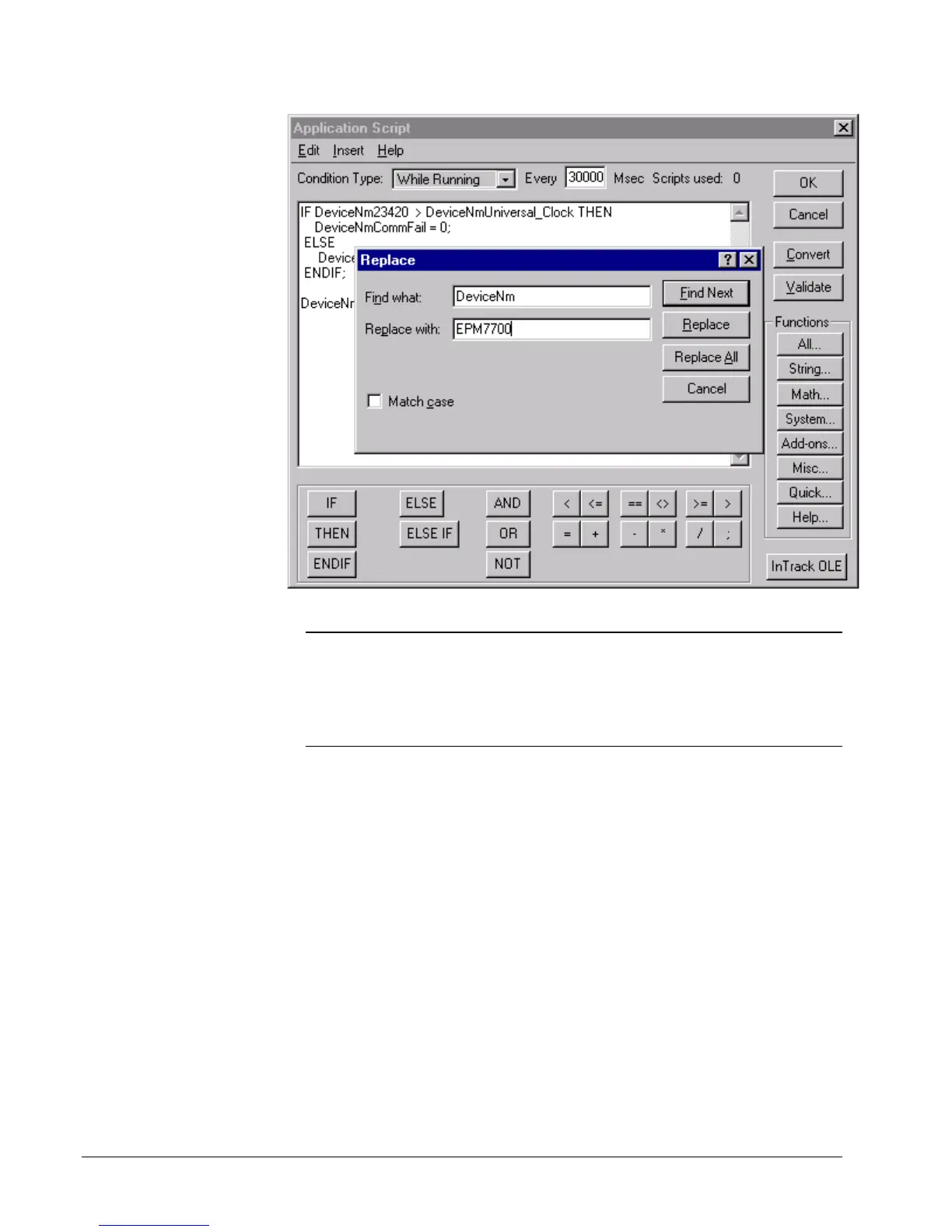
1. Click the OK button to close the Application Script Dialog.
NOTE: The application script text is only needed once for each configured device. If
you are installing more than one wizard for a particular EPM7700 device (for
example, a Large Faceplate and a Tabular Wizard), you only need to copy the
application script once. If you are installing more than one EPM7700 device in your
InTouch application, the application script window must contain a copy of the
application script text for each configured device. See the example below:



 To Next Page