52 PMCS Interface Toolkit
EPM 7700 Large Faceplate or Custom Table Wizard Scripting
Configuring the Large Faceplate/Custom Table Script
1. After configuring the Large Faceplate or Custom Table wizard, and with its
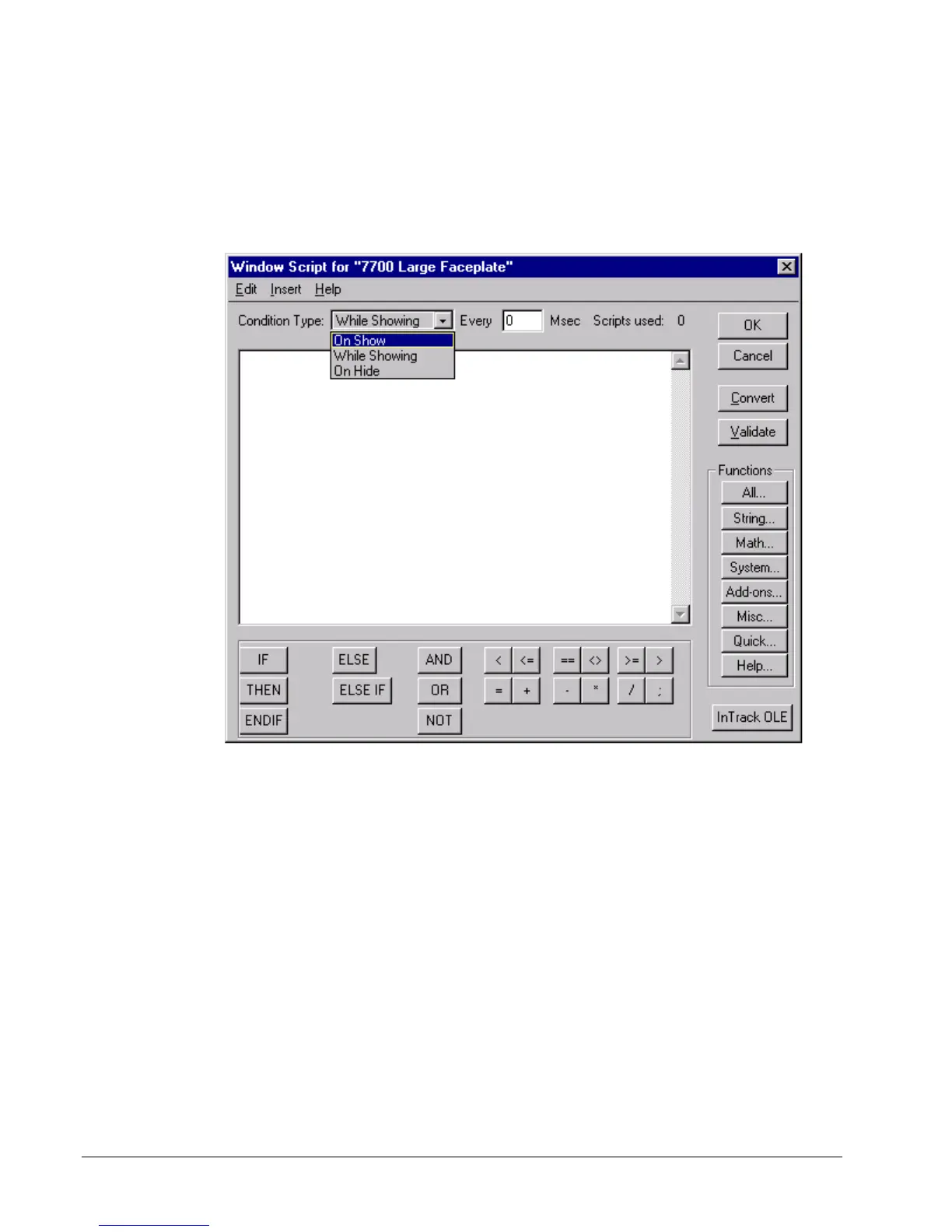
window displayed, select “Special \ Scripts \ Window Scripts… from the
WindowMaker main menu. The Window Script Dialog box opens:
2. Select "On Show" from the Condition Type drop down list.
3. Use Notepad.exe to open the file “EPM7700 Non-Tabular Window Script.txt”,
located in the Intouch directory of the PC.
4. Select (highlight) all the file text and copy it to the clipboard using the CTRL-C
keyboard command.
5. Switch to WindowMaker and paste the clipboard contents into the Window
Script dialog text box, using the CTRL-V keyboard command.
6. From the dialog box menu, select Edit \ Find… to bring up the Replace dialog
box as shown in the following example. In the “Find What” field, type in
“DeviceNm”. In the “Replace With” field, enter the Device Name used to
configure the Large Faceplate wizard. Click the “Replace All” button to modify
the text. Click the Cancel button to close the Replace dialog. Click the OK
button to close the Window Scripts Dialog.



 To Next Page