moisture.IQ User’s Manual 117
Appendix C. Updating the moisture.IQ Firmware
Appendix C. Updating the moisture.IQ Firmware
C.1 Updating the Chassis Firmware
1. Power on the moisture.IQ.
2. Load the updated firmware into the
UPDATE folder on the USB flash drive.
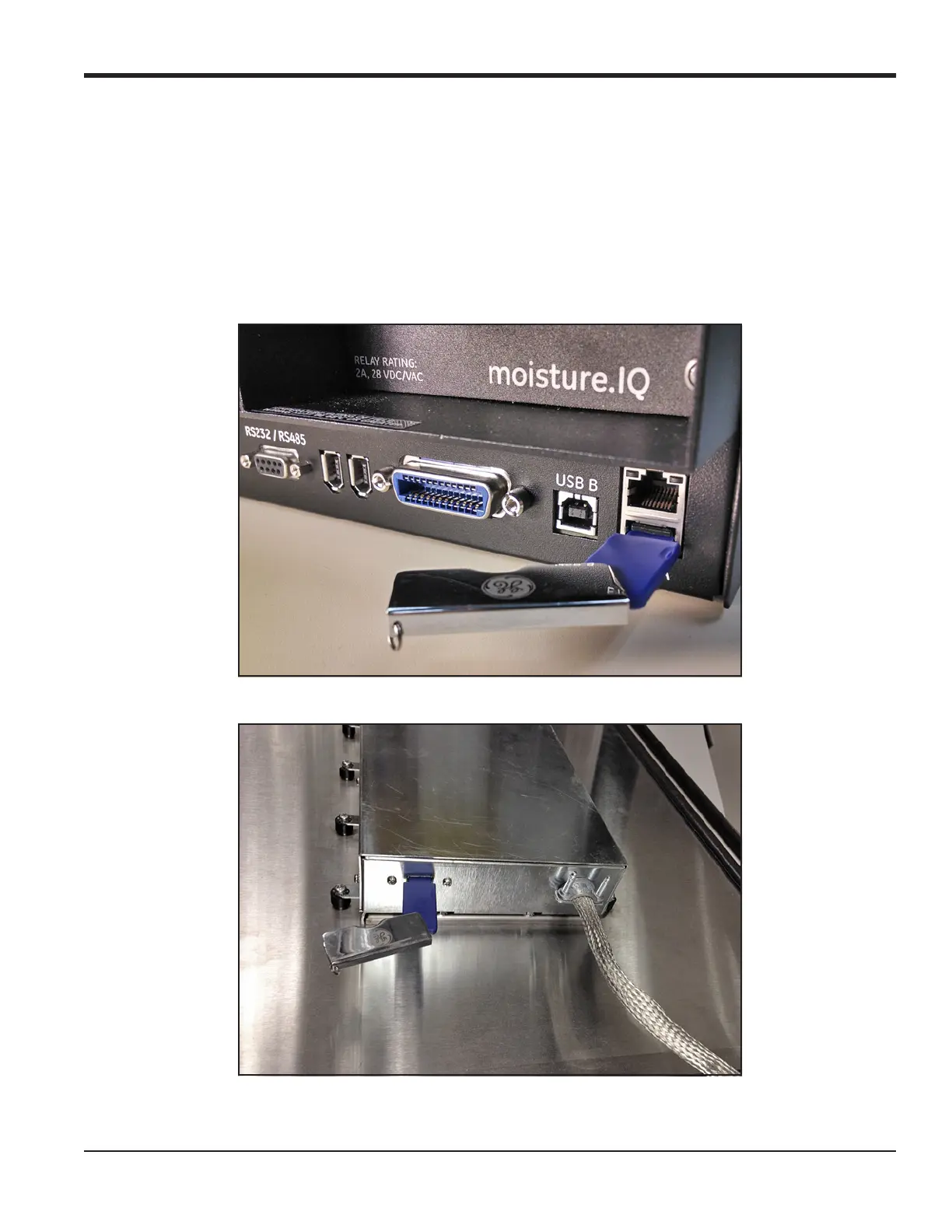
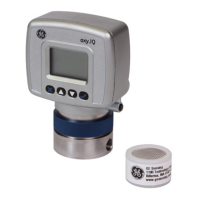
3. Plug the USB flash drive (with the software update) into the moisture.IQ (see Figure 84 for
Rack/Bench/Panel Mount, Figure 85 for Weatherproof/Explosion-Proof).
Figure 84: USB Flash Drive Plugged into Rear of Chassis
Figure 85: USB Flash Drive Plugged into Chassis Inside the Door


 To Next Page