moisture.IQ User’s Manual 43
Chapter 3. Using the Settings Menu
3.5 Screen Alignment (Weatherproof and Explosion-Proof)
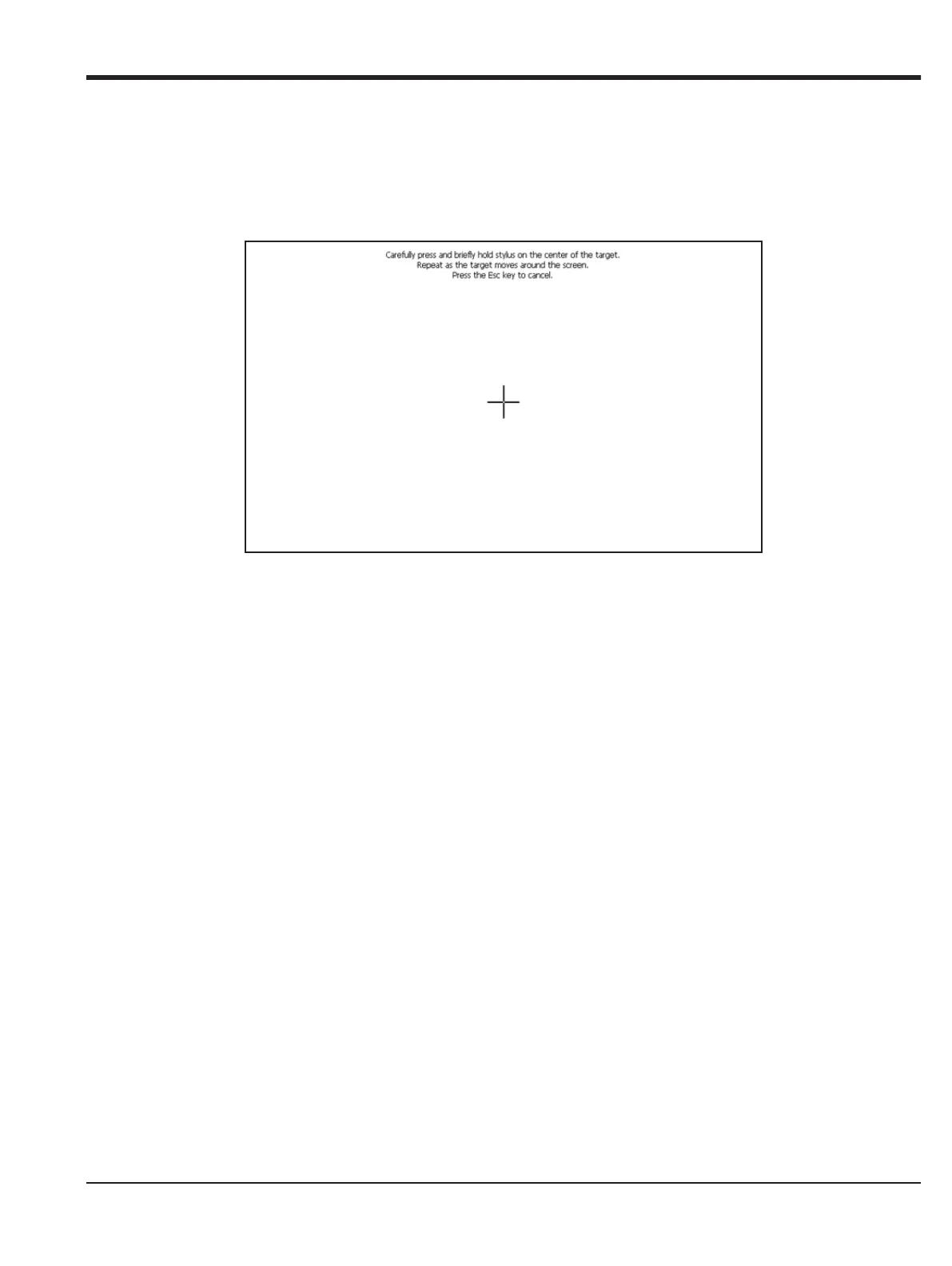
The Screen Alignment feature is enabled for Weatherproof and Explosion-Proof versions of the moisture.IQ.
This feature allows the user to calibrate the LCD screen to their touch and angles of usage to optimize touch
screen performance.
Figure 37: Screen Alignment
• Touch the “+” symbol in its five locations: the middle and all four corners of the screen.
• After you have completed touching the locations, simply tap anywhere in the screen to complete the
calibration.
Note: Ignore the Enter/ESC instructions.


 To Next Page