moisture.IQ User’s Manual 35
Chapter 2. Operation
2.6 Restarting the System
To restart the moisture.IQ, complete the following steps:
1. Tap the Settings Menu button on the right side of the touch screen.
2. Tap the Restart button in the Service section of the touch screen.
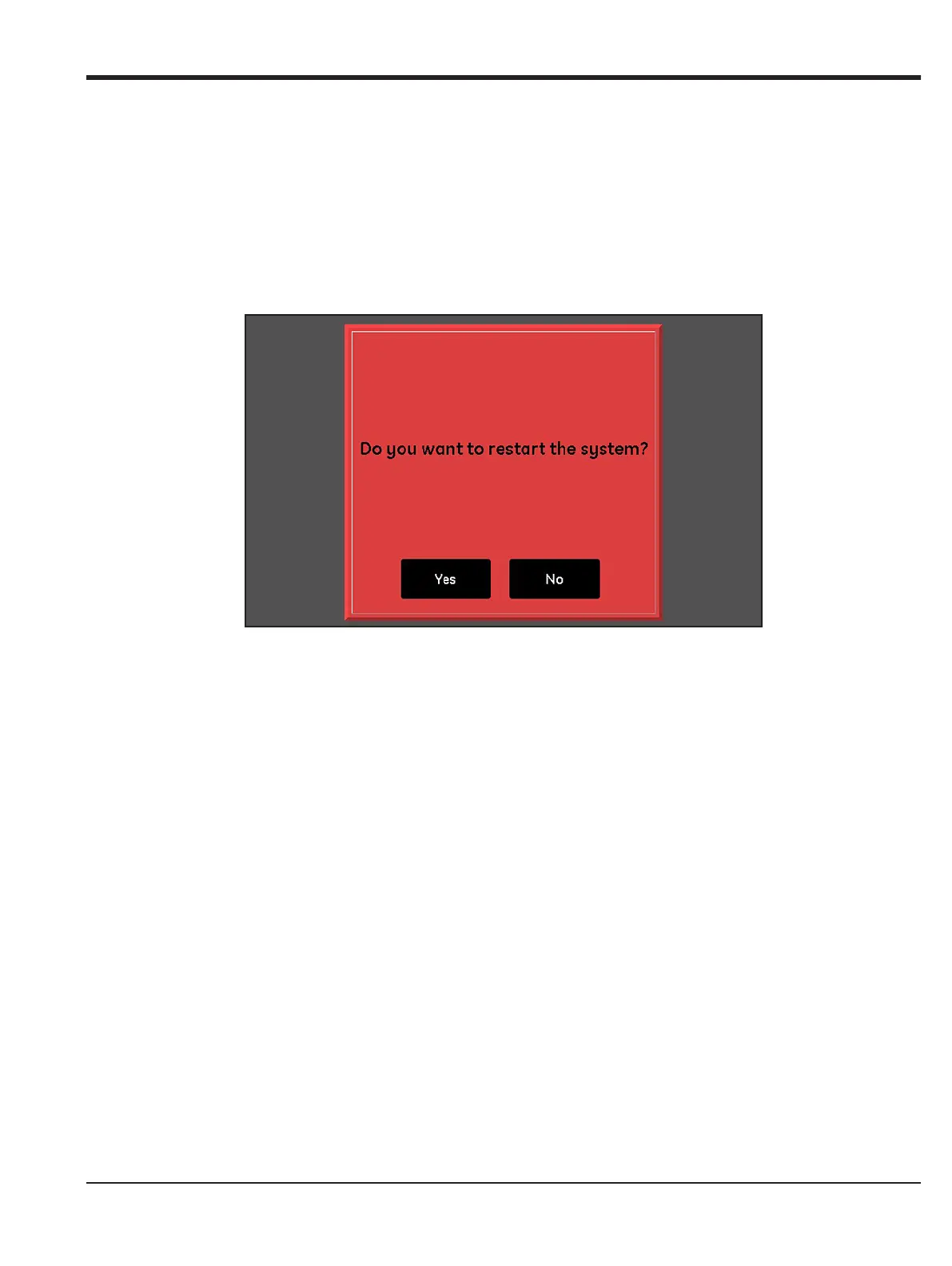
3. At the confirmation screen shown in Figure 30 below, tap the Yes button to restart the unit or tap the
No button to cancel the request.
Figure 30: Restart Confirmation Screen


 To Next Page