moisture.IQ User’s Manual 29
Chapter 1. Installation
Note: If you are connecting the oxy.IQ to AUX-IN, the oxy.IQ's shield needs to be terminated to the moisture.IQ
via RTN (pin 5). In order to expose the shield wire, strip back the cable jacket.
1.12 Connecting Analog Outputs
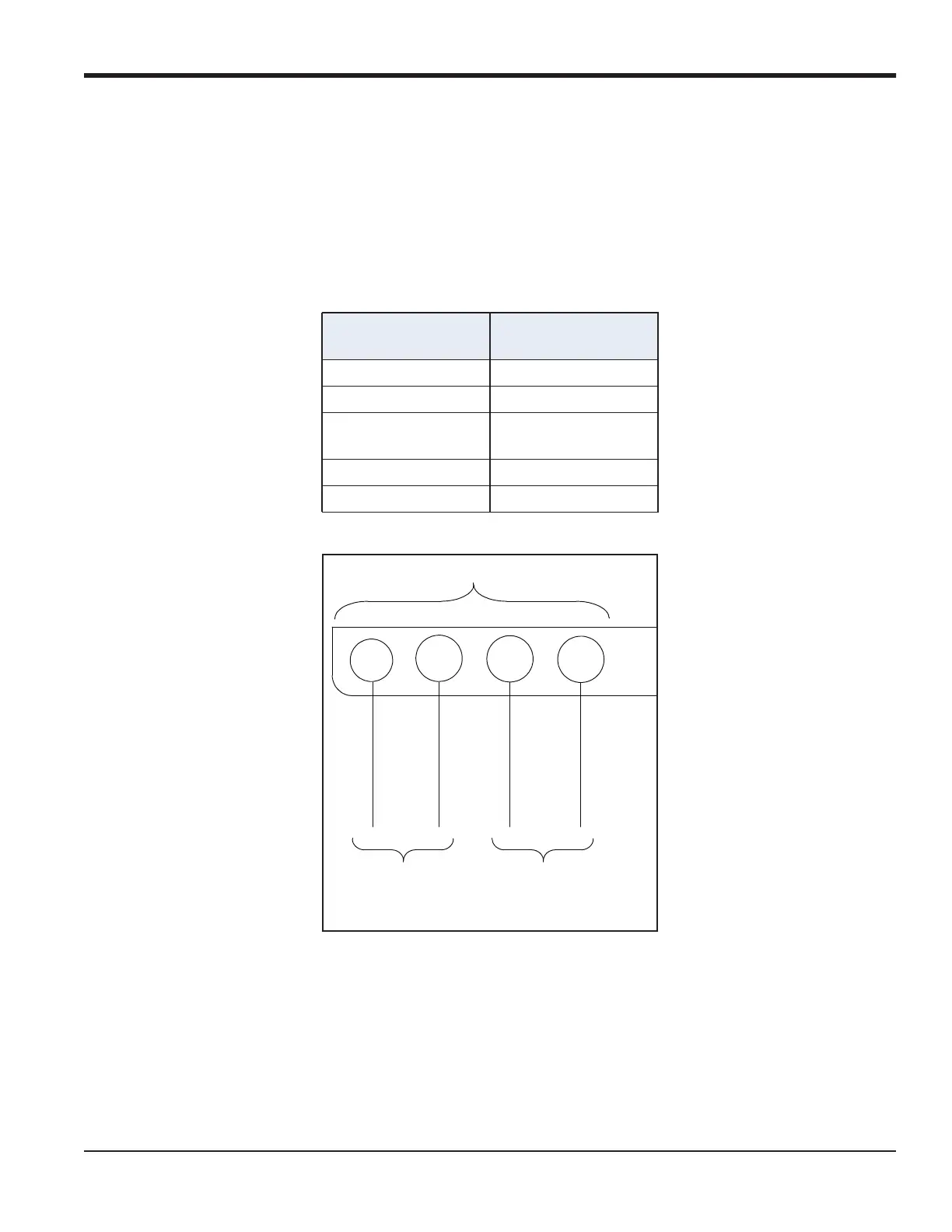
The moisture.IQ has two Analog Outputs per channel. Connect the outputs to the terminal blocks, labeled REC
A and REC B. See Figure 23 for the terminal block location and Figure 25 for the wiring diagram. Make
connections for recorders using Table 5.
Figure 25: Output Wiring
Table 5: Output Connections
Connect Output A
To REC Terminal
Block
return (-) pin A-
out (+) out (+)
Connect Output B
To REC Terminal
Block
return (-) pin B-
out (+) pin B+
123
4
+
+
-
-
AUX OUT
Analog Out
Volt/Current
1
Analog Out
Volt/Current
2


 To Next Page