12
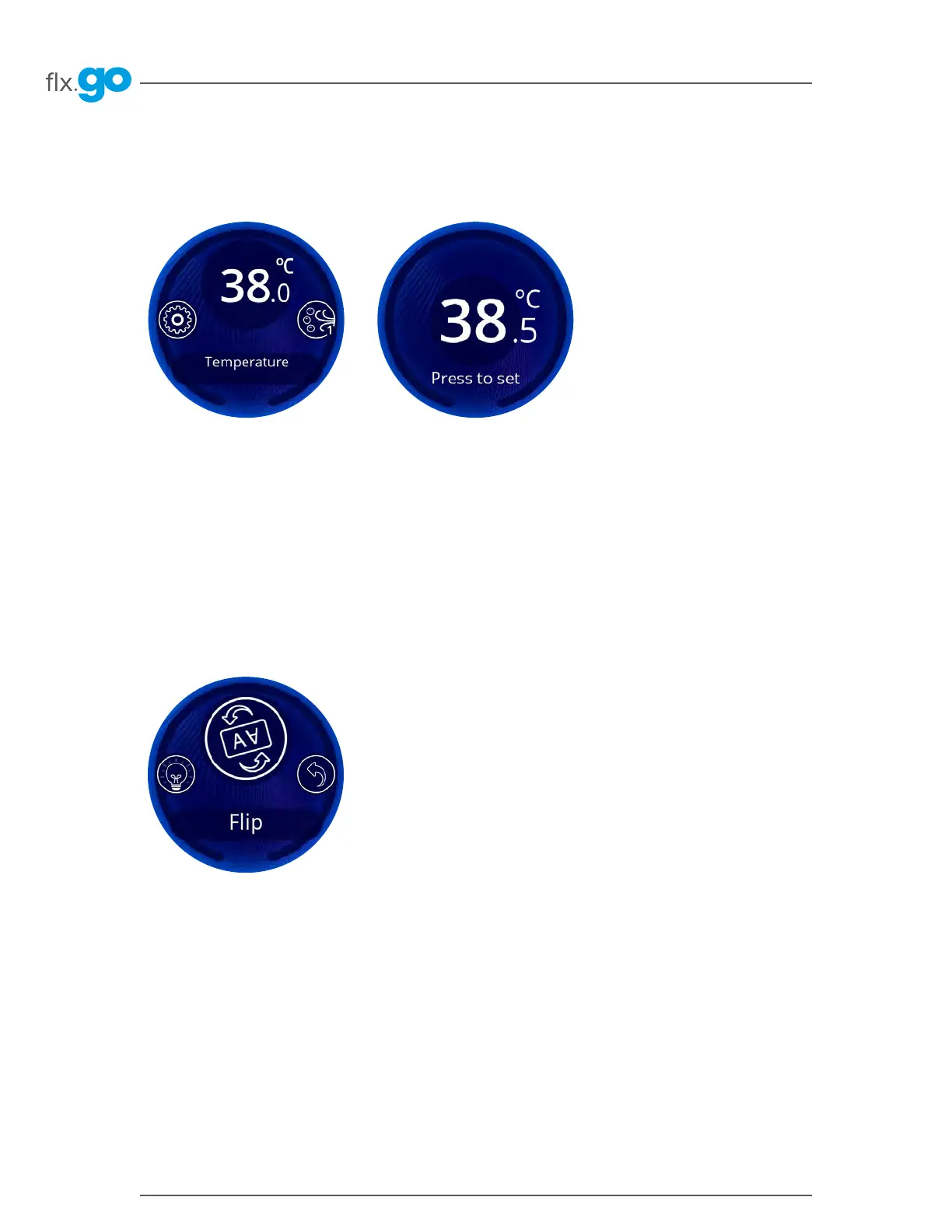
Water temperature
Flip screen
Keypad functions
When the main screen carousel is turned to the Temperature menu, the central circle will show the current water
temperature�
To enter the Temperature menu, press the flx�go�
Then turn the knob left or right to set the desired temperature� Press the flx�go again to validate� The flx�go will then
return to the main screen�
To invert the display orientation, go to the main screen and press on the flip icon�



 To Next Page