14
Settings
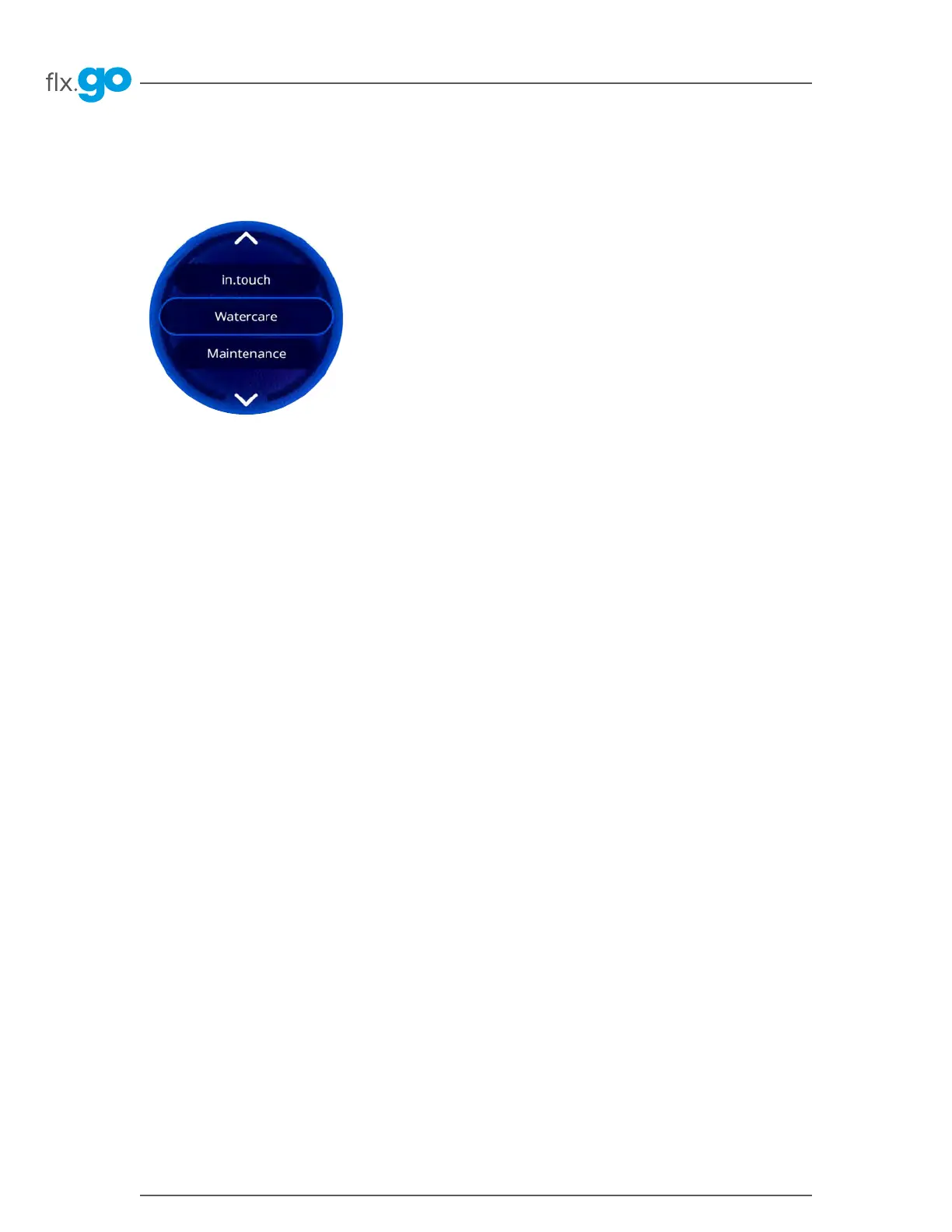
Watercare
The Watercare menu is only available if in conjunction with a purchased in�touch app option
The Watercare menu will help you set up your ideal filtration and heating settings� Choose between Away from Home,
Standard, Energy Savings, Super Energy and Weekender, depending on your need�
In Economy mode, the set point will be reduced by 20°F* which means that the heating system will not be engaged
unless the temperature falls to 20°F below the hot tub’s set temperature�
The filtration schedule will apply to the main filtration pump, most likely Pump 1�
Away from Home: In this mode, the hot tub will always be in economy mode; the set point will be reduced by 20°F�
Standard: The hot tub will never be in economy mode and will be filtering according to the pack’s low-level configuration�
Energy Savings: The hot tub will be in economy mode during the peak hours of the day and resume normal mode on
the weekend�
Super Energy Savings: The hot tub will always be in economy mode during peak hours, every day of the week�
Weekender: The hot tub will be in economy mode from Monday to Friday, and will run normally on the weekend�



 To Next Page