Shenzhen Getech Technology Co.,Ltd
28
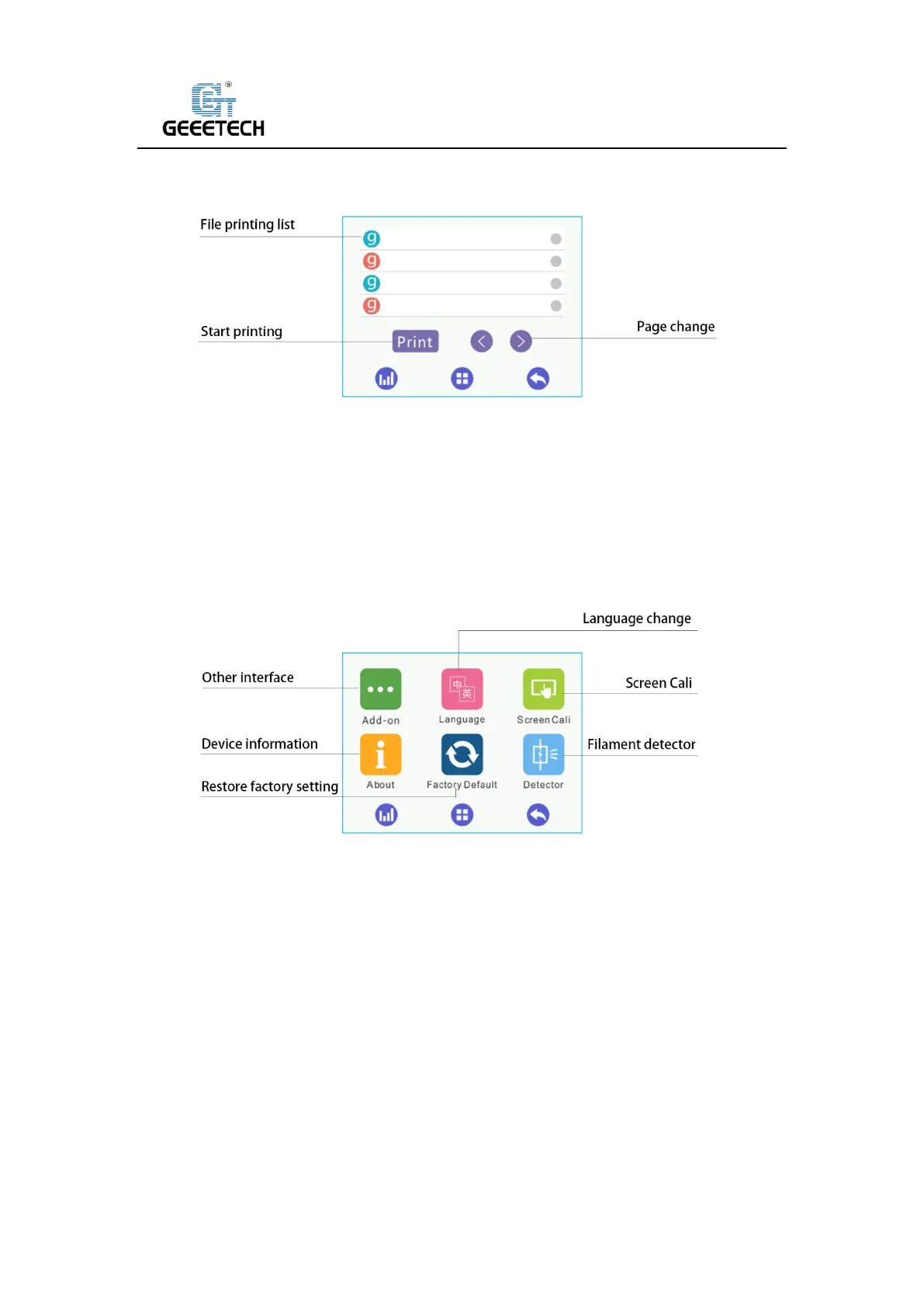
(Picture 7-15)
Please choose the model file at printing file list, and click “Print “and then start printing.
7.2.5 Interface of setting:
(Picture 7-16)
Six submenus at setting interface
1) Click “Add-on” to enter its interface. See picture (7-17).



 To Next Page