27
PATTERN SUMMARY
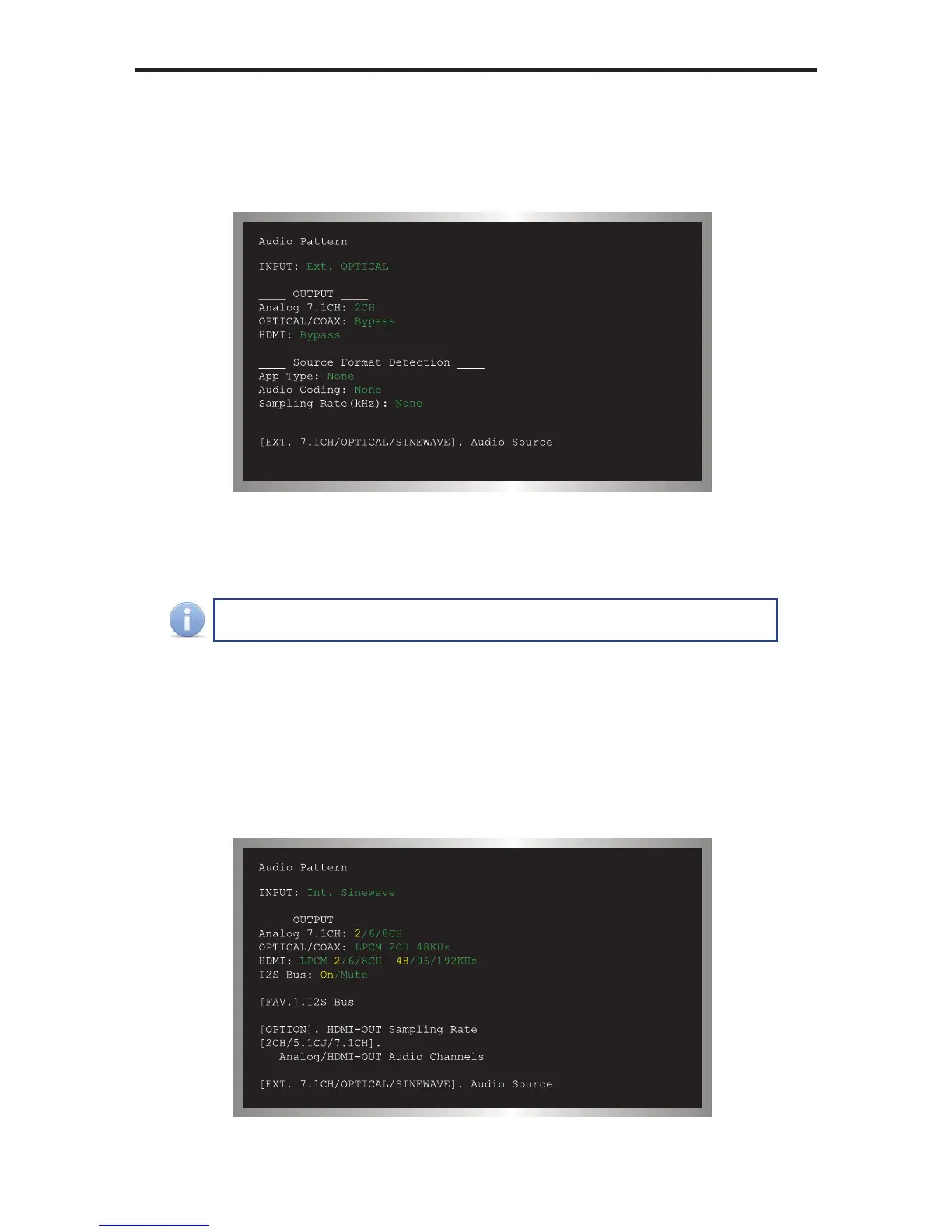
External Optical Audio Input
Changing the audio input to EXT OPTICAL, using the Audio Input Selection button
will produce the following screen:
In the example above, since no optical input was used, the Source Format Detection
displays None.
The External Optical Audio Input does not support bitstream decoding.
Internal Sinewave Generator
The third option (INT SINEWAVE) uses the internal sine wave generator:


 To Next Page