Rev. 00 12/23
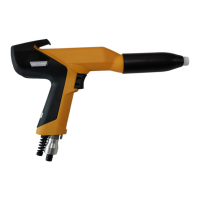
OptiGun GA04-E Operation
Discharges when touching the gun or gun accessories, while in
use or after use.
During the coating process, the gun can discharge if touched.
► Do not touch any parts of the gun!
Bedienung
Operation
Setting powder output and powder cloud
The powder output depends on the selected powder output (in %), and
the powder cloud on the selected total air volume.
As a factory default value, a powder rate of 60% and a total air
volume of 4 Nm³/h are recommended.
– If values are entered that the gun control unit cannot implement,
then the operator is informed of this by a blinking in the relevant
display and a temporary error message!
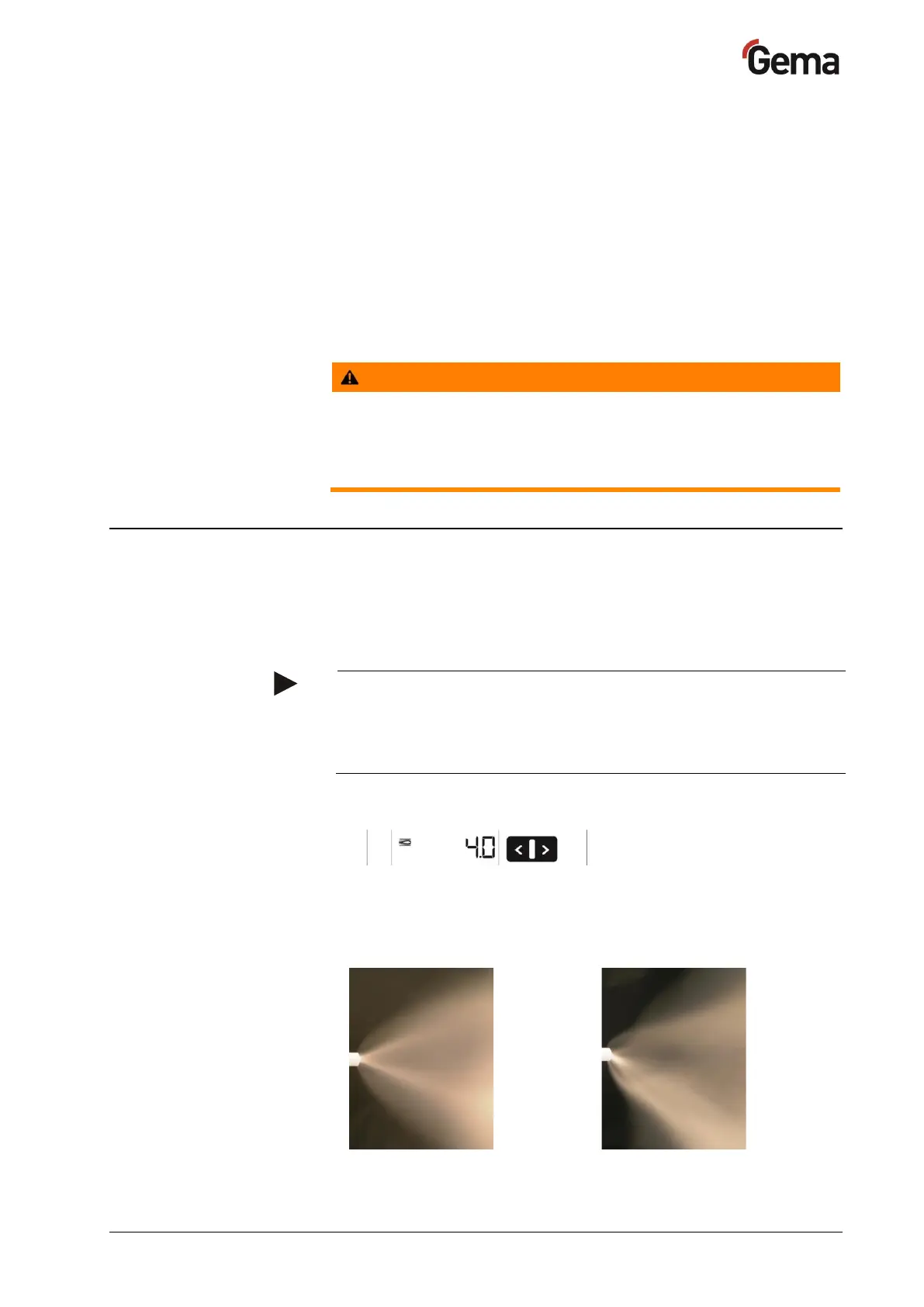
Setting the total air volume
1.
Adjust the total air volume on the gun control unit with the T3/T4
keys
– Adjust the total air volume according to the corresponding
coating requests


 To Next Page