DRG700 User Guide Installation
Page 13 of 35
Connect to the DRG700 using WIFI
For DRG700 models with WIFI functionality, you can create a wireless connection using the SSID and the
WPA2 security key supplied with the device. To create the wireless connection for a PC using Windows 7, do the
following:
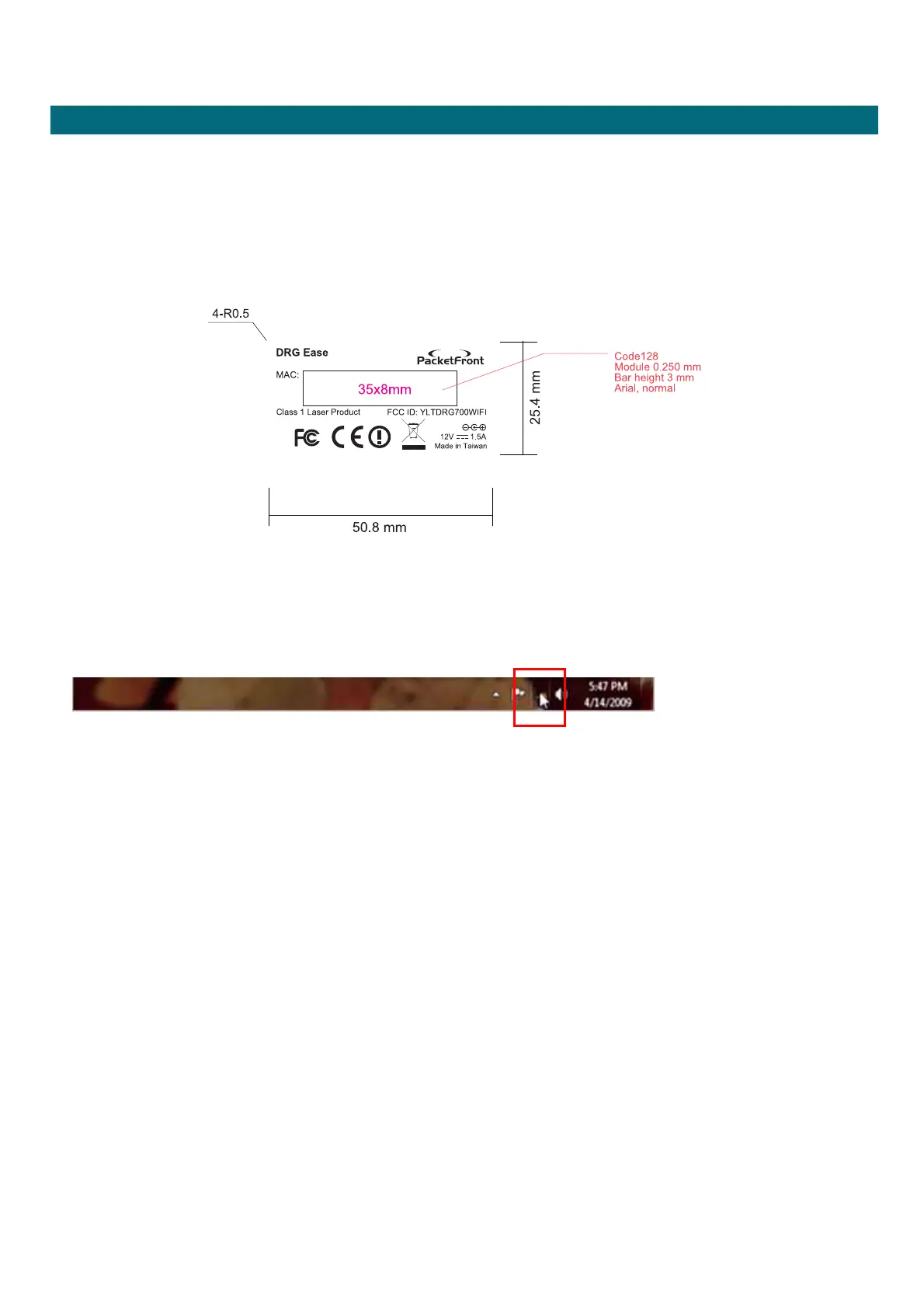
1. Make a note of your unique SSID and WPS PIN (a label is attached to the back of the CD envelope)
2. Start your PC. Windows 7 will automatically detect the new wireless network and displays the network
connection tool in the Notification area at the bottom of the screen.
This device complies with Part 15 of the FCC Rules. Operation is subject to the
following two conditions: (1) this device may not cause harmful interference and (2)
this device must accept any interference received, including interference that may
cause undesired operation


 To Next Page