Page 25 of 35
System tab
The System tab has the following pages:
• Settings
• Password
• Reboot
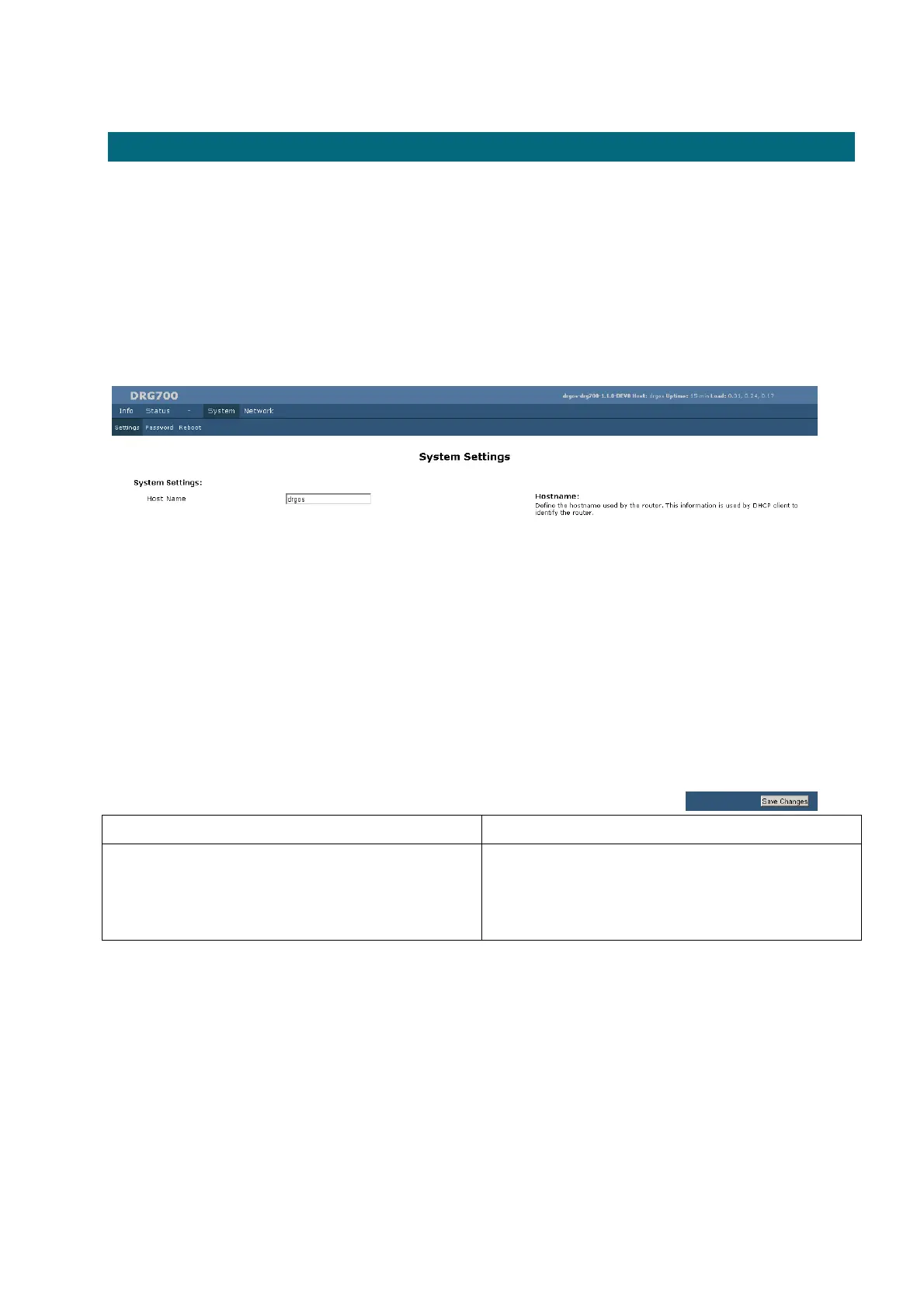
System Settings
Field Description
Host name This is the hostname used by the router to identify it when
communicating with other routers. Enter a new hostname
using alphanumeric characters (A-Z, 0-9), blank spaces are
not allowed.
To save the new host name for the DRG700, click Save Changes.


 To Next Page