DRG700 User Guide Installation
Page 15 of 35
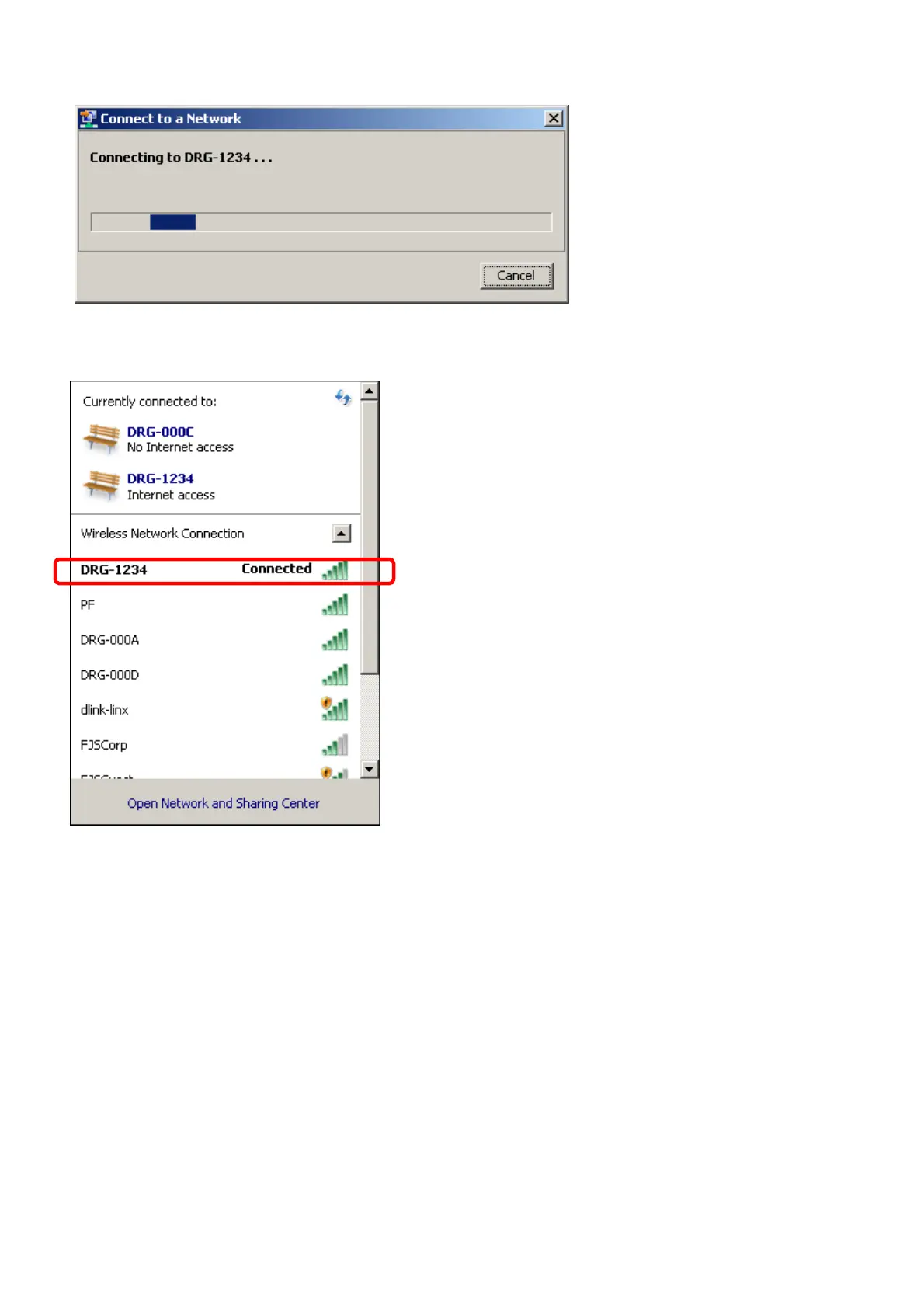
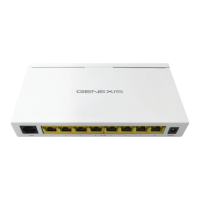
When the connection has been successful, you can see this in the Network Connections window.
If you are not running Windows 7, please consult your operating system manuals on how to connect to a WPA2
AES protected wireless network.
If your PC does not support WPA2-AES encryption, you can also change the encryption method used by the
DRG700 to suit your device. See next chapter for details.


 To Next Page