6-8
Trouble-Shooting
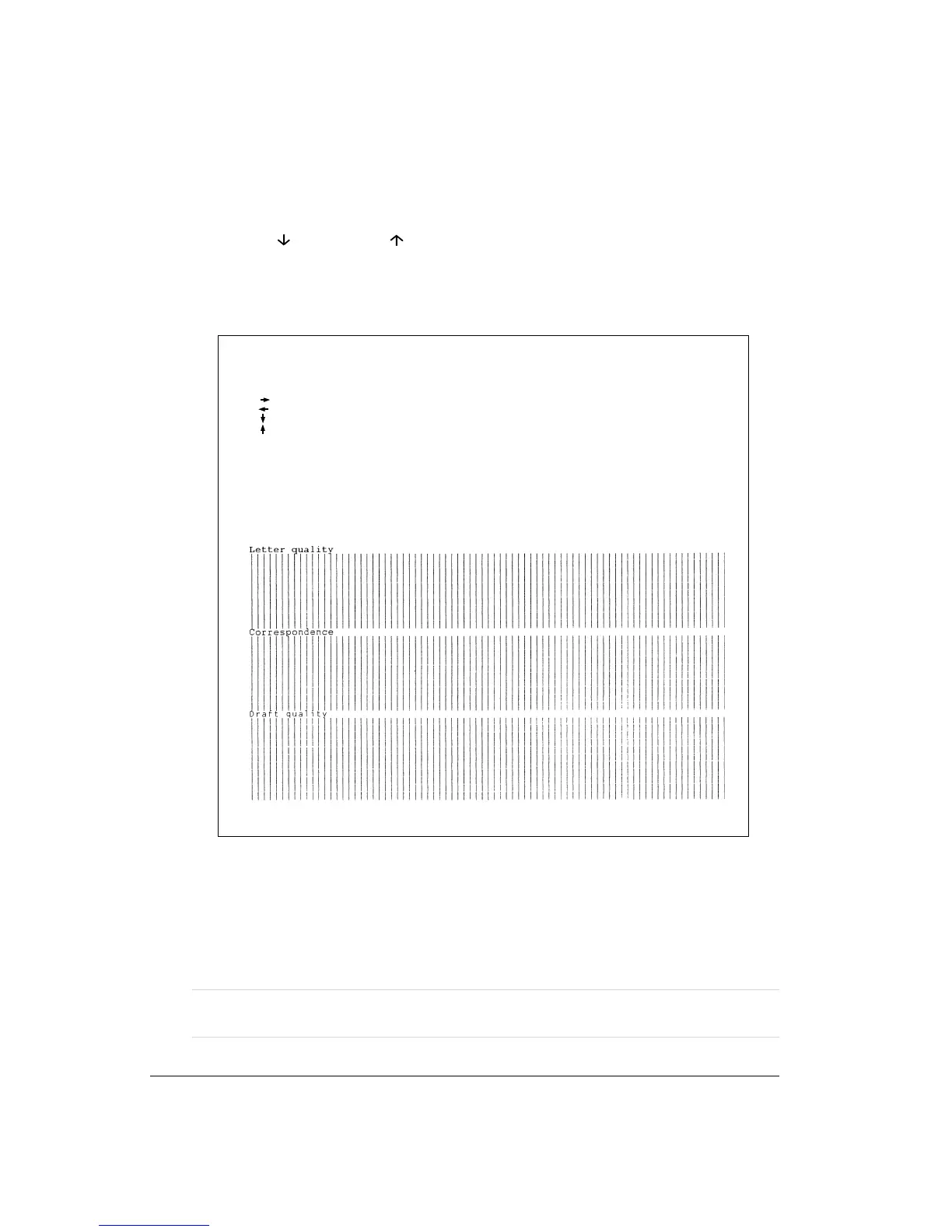
3. Adjust the vertical print alignment at Correspondence and Draft quality speed.
Press the
button and the button to switch Letter quality to Correspondence and
Draft quality.
Examine the parallel bars and adjust the vertical print alignment as described in step 2.
Vertical Alignment
4. Exit the vertical alignment function.
Press the Exit/Save button to save the new vertical alignment settings and exit the vertical
alignment function.
Note: To exit the vertical alignment function without saving changes, turn the printer
off.
Buttons Action
< > Shift backward print position to Right
< > Shift backward print position to Left
< > Change to next print quality
< > Change to previous print quality
<Exit / Save > Save and exit to Normal mode
Vertical Alignment Adjustment



 To Next Page