2-15
Paper Handling
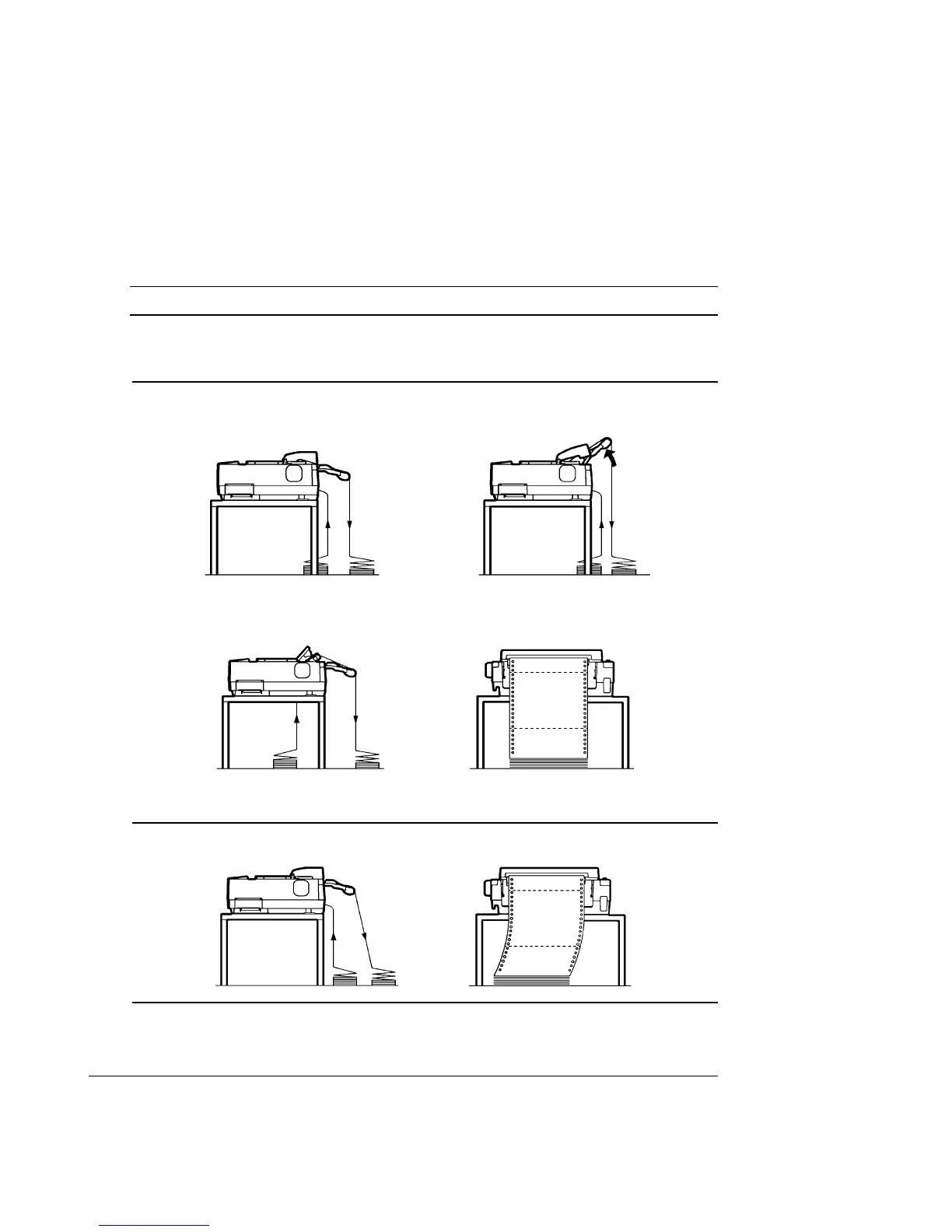
Positioning the Paper Stack
Place the stack of continuous forms paper directly below the rear of the printer
11
11
1 for push,
rear feed or below the bottom slot of the printer 2 for pull, bottom feed.
Caution:
When using paper-stapled multipart forms in push feed, raise the cut sheet stand 3.
After the paper is installed in the printer, the paper path should look like this:
Good placement
Push-feed, from rear slot Push-feed, from rear slot
with paper-stapled multipart forms
Pull-feed, from bottom slot
Bad placement
Placement of Continuous Forms
1
2
3



 To Next Page