4-19
Using Set-Up Mode
MACRO 1 and
MACRO 2 Options Values Description
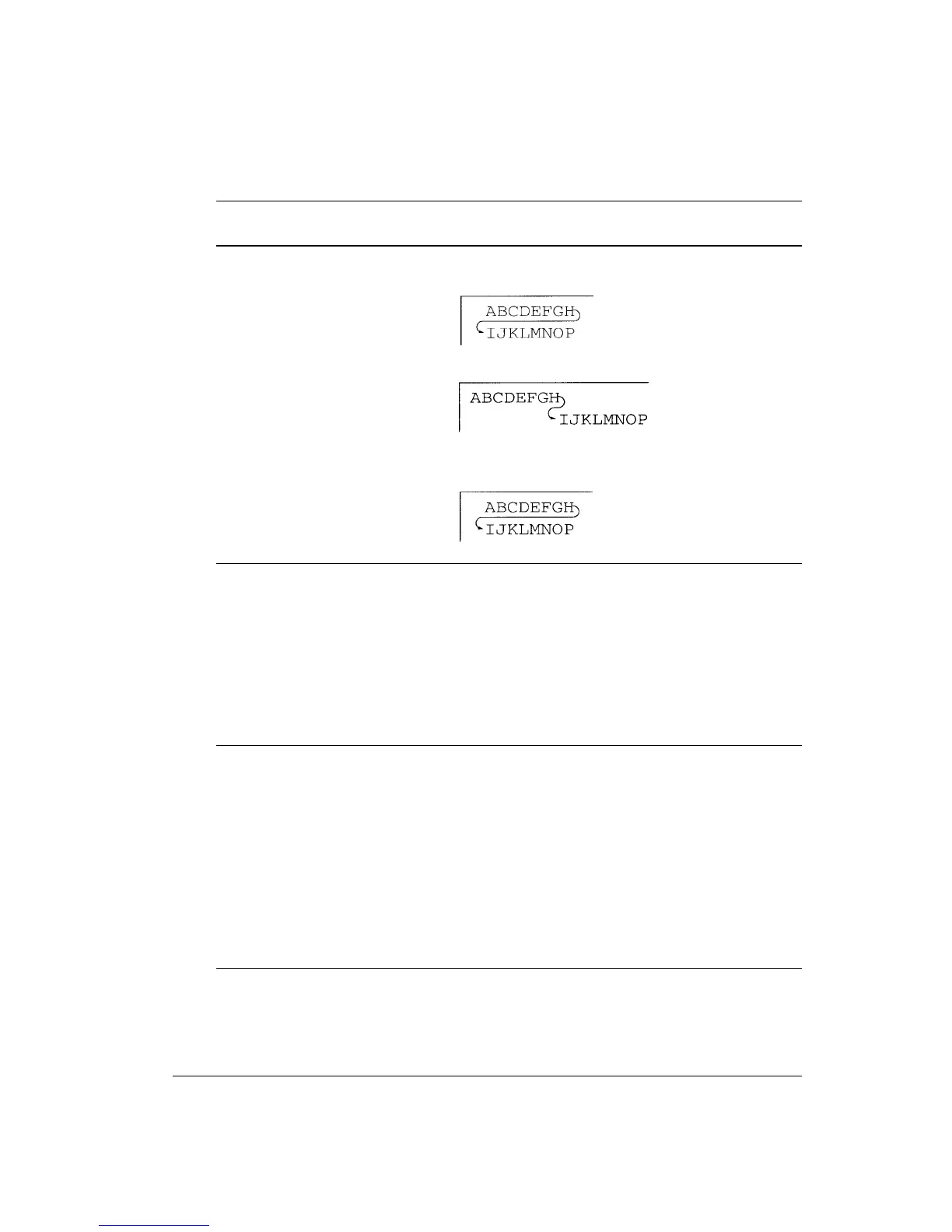
Continued CR=LF+CR: A line feed is added to each carriage
return.
LF=LF: No carriage return is added to a line feed.
LF=LF+CR: A carriage return is added to each line
feed.
<PAPER SRC> Specify the paper input source. This setting is valid
immediately after powering on. After that, the paper
source follows the setting of the paper select lever.
TRACTOR Continuous forms selected
MANUAL Single sheets selected
RSVD 1 Reserved
RSVD 2 Reserved
RSVD 1/2 Reserved
<PRINT DIR> UNIDIR Unidirectional printing. Unidirectional printing is
used for printing that needs precise vertical
alignment. Unidirectional printing is slower than
bidirectional printing.
BIDIR Bidirectional printing. The printer prints in either
direction while seeking the next print direction for a
shorter print time. The unidirectional command is
ignored.
SOFT CNTRL The print direction follows a command from the
computer. If no command is sent, print direction is
bidirectional.
(Paper Source)
(Print Direction)
(Software Con-
trol)



 To Next Page