4-10
Using Set-Up Mode
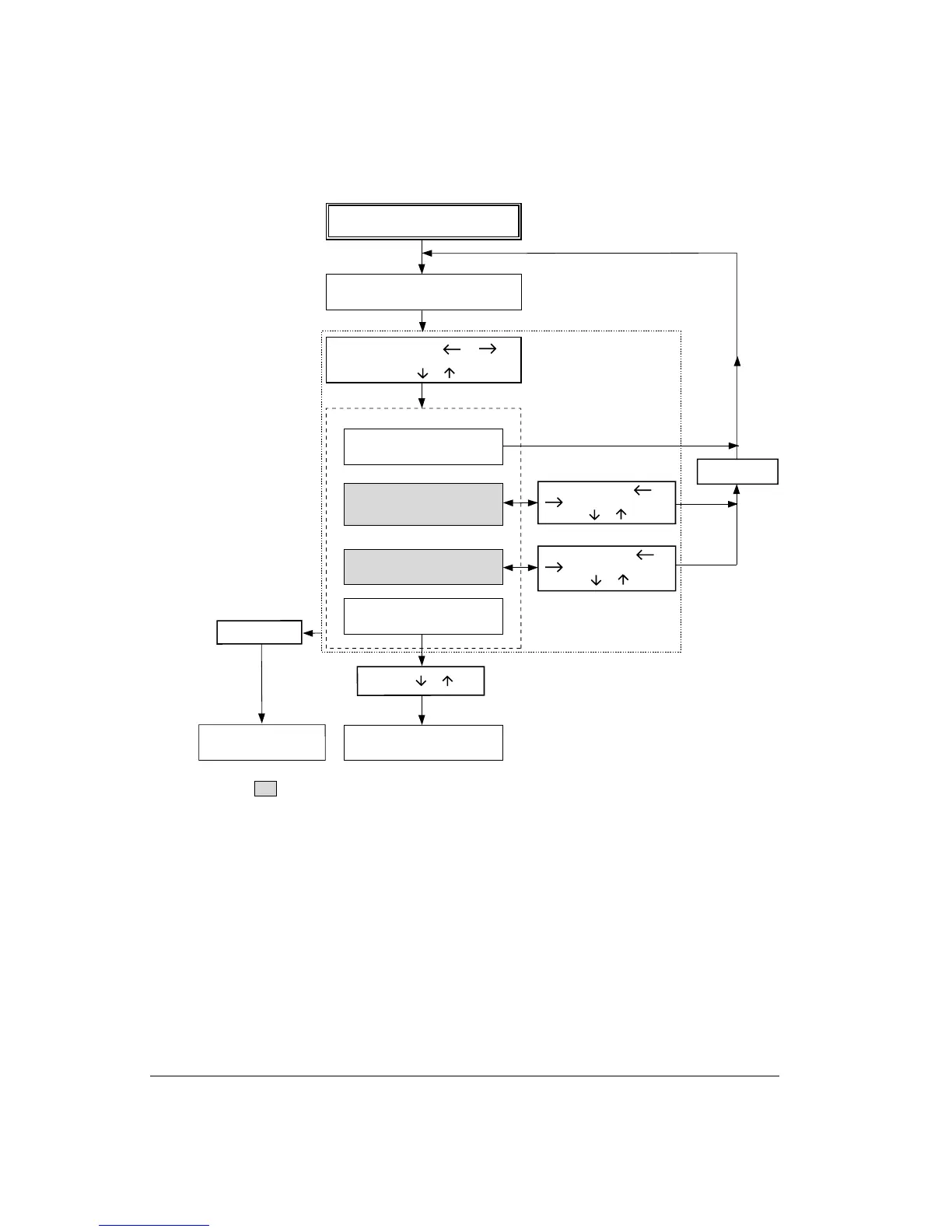
Printer prints <FUNCTIONS> menu
Select function: Press or
to position the cursor,
then press or
Enter Set-Up mode:
Turn power on with Set-Up/Quit pressed
One of the following functions is selected
SAVE&EXIT
MACRO1, MACRO2,
INSTALL, ADJUST,
and MENU ACCESS
PRINT (list of defaults) and
RECALL FACTORY DEFAULTS
TESTS
(PRINT TEST and HEXDUMP)
Printer saves changes and
exits Set-Up mode
Press Exit/Save
Press Set-Up/Quit
Press
or
Printer exits Set-Up mode
without saving changes
Select values: Press or
to position cursor,
then press or
Select values: Press or
to position cursor,
then press or
Reprint <FUNCTIONS> menu
: Functions having options and/or values
*1
*2
*1 Changes are valid, but will be lost at next power-off.
*2 Changes will remain valid at next power-on.
Summary of the Set-Up Mode



 To Next Page