BDVR Manual 99 Version 1.2
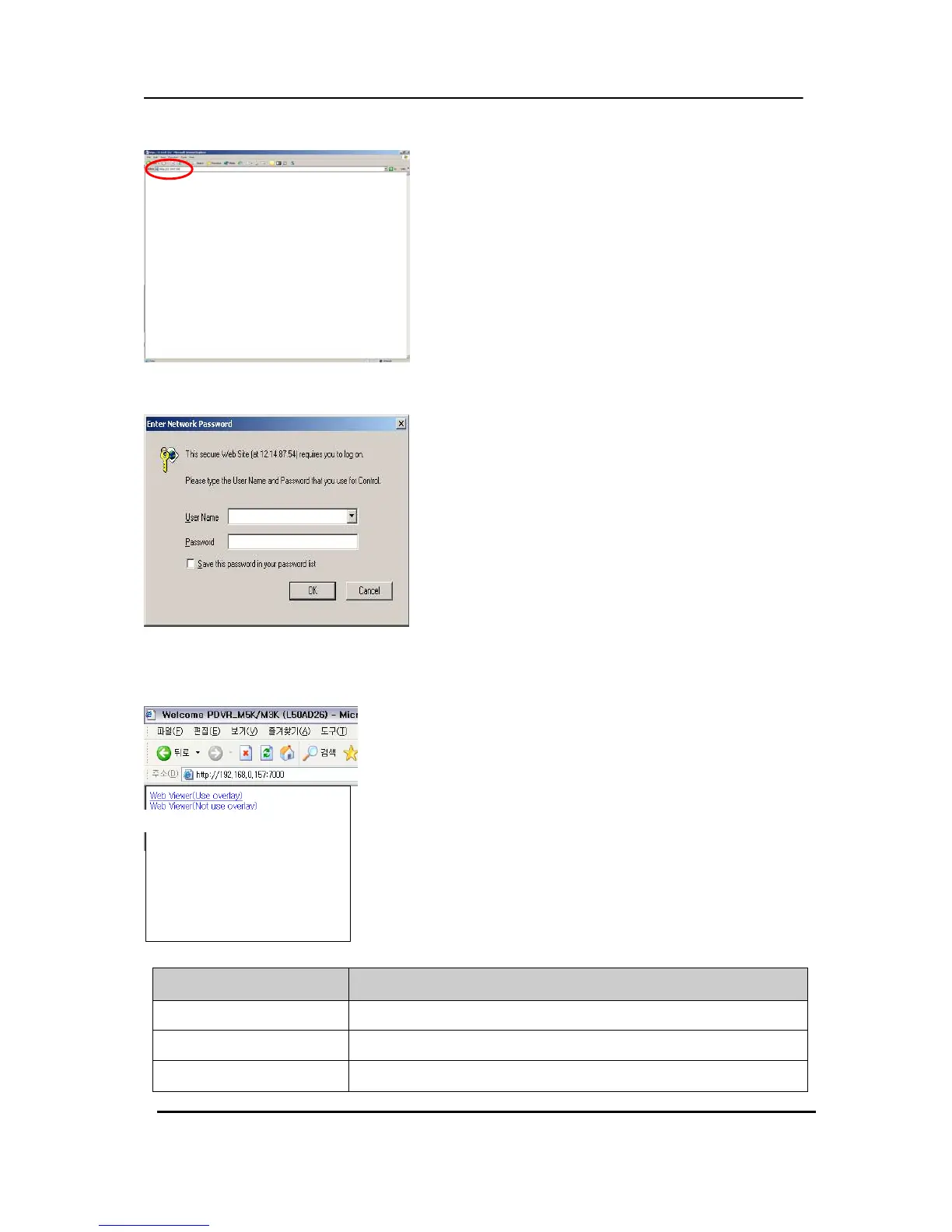
Enter the IP address of the unit in the address page
of Internet Explorer.
For example, type in http://192.168.0.250:7000
Above illustrates example of a unit when it is utilising
port 7000.
You can either sign in with: admin or user. Next,
enter the password for the unit.
Click on Web viewer to connect to the DVR; only for viewing.
Revised July 2009
Specification
4Ch / 8Ch / 16Ch
Video Input
4 , 8, 16
Video Output
Composite, VGA, SPOT-OUT
Compression
H.264



 To Next Page