BDVR Manual 26 Version 1.2
During Live View mode or Playback, it is possible to zoom into a section of the screen to get
a close-up view of the image.
1. To activate the digital zoom, select the full screen display of the camera you wish to
zoom.
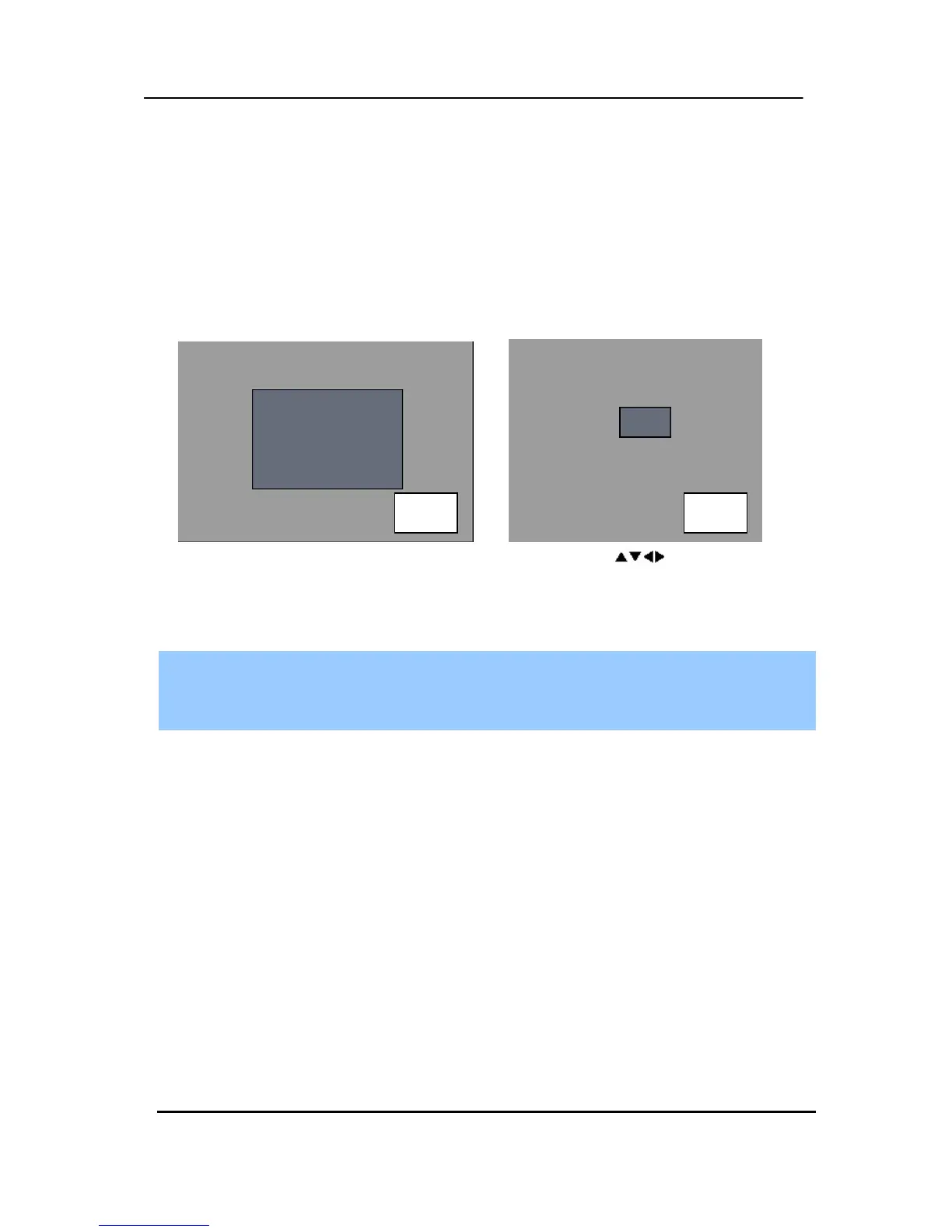
2. Then press the [ZOOM] button on the IR Remote controller. A Zoom area box pops
up, as shown below.
3. Move the box to the desired position using the directional [
] buttons.
4. Press the [+] button to enlarge the image and the [ - ] button to zoom out the image.
5. Press the [CANCEL] button to return normal mode.
Note:
If the Zoom button is pressed while in a multi-screen display, the zoom operation is not
activated. It MUST be a full screen display.
4. Spot Monitor
In addition to the Main Monitor, attaching a Spot Monitor enables a user to monitor specific
channels independently from the main monitor.
y Press the [Spot] button on the remote controller, then press the number button you wish
watch as full screen.
y Press the [Spot] button twice to auto switch cameras. The Sequence interval can be set in
the Sequential Setup.
y When an alarm has been triggered, that specific channel goes into Full Screen.
x 2 x 4



 To Next Page