BDVR Manual 98 Version 1.2
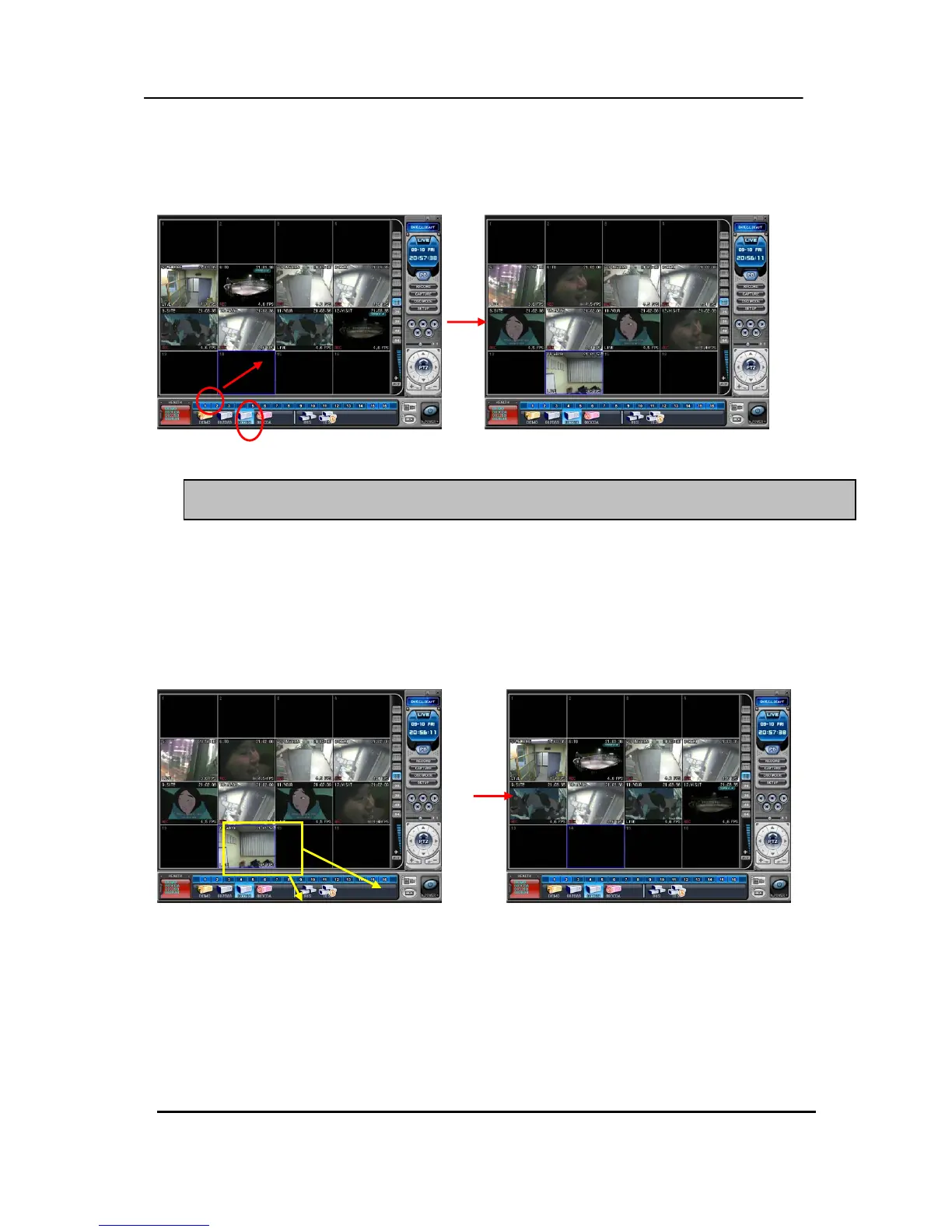
② After camera Icons are diplayed, drag a camera directly to the desired channel.
In the following example, Camera 1 on the 3
rd
DVR is dragged to Channel 14.
①
(5) Delete Camera.
There are two ways of deleting a camera from the CMS.
1) Select any camera for deletion during live monitoring. Context Menu appears on screen
by right clicking. Select “ REMOVE”
2) Select a camera to delete and drag it directly to DVR Window or Virtual DVR Window.
4.4. Live Viewing on Virtual DVR
Is exactly the same as the viewing on an actual DVR.
Appendix 1: VIEW ONLY
②
③
Note: If cameras overlap on the same channel, the new Camera replaces the existing camera.



 To Next Page