BDVR Manual 66 Version 1.2
5. Back Up Range Setup
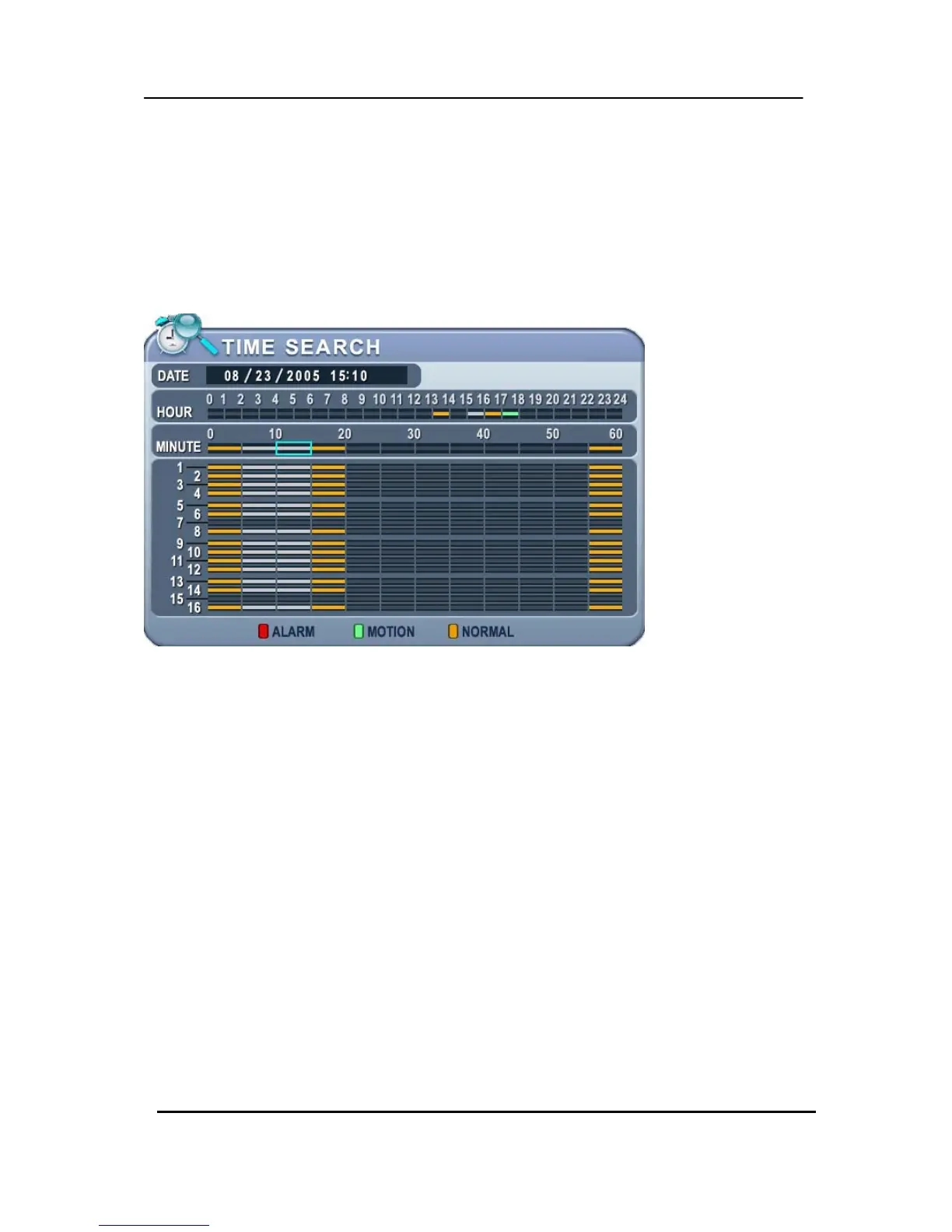
It is possible to set up a backup range automatically on Time Search Menu [by Month, Day,
Hour and Minute].
Press the [-] button to set backup Start time , press the [+] button to set End. Selected time
will be changed to a [Light Grey] Colour.
Selected backup time from 15:05~15:15 is displayed on the Backup range.



 To Next Page