BDVR Manual 88 Version 1.2
3.5. Context Menu
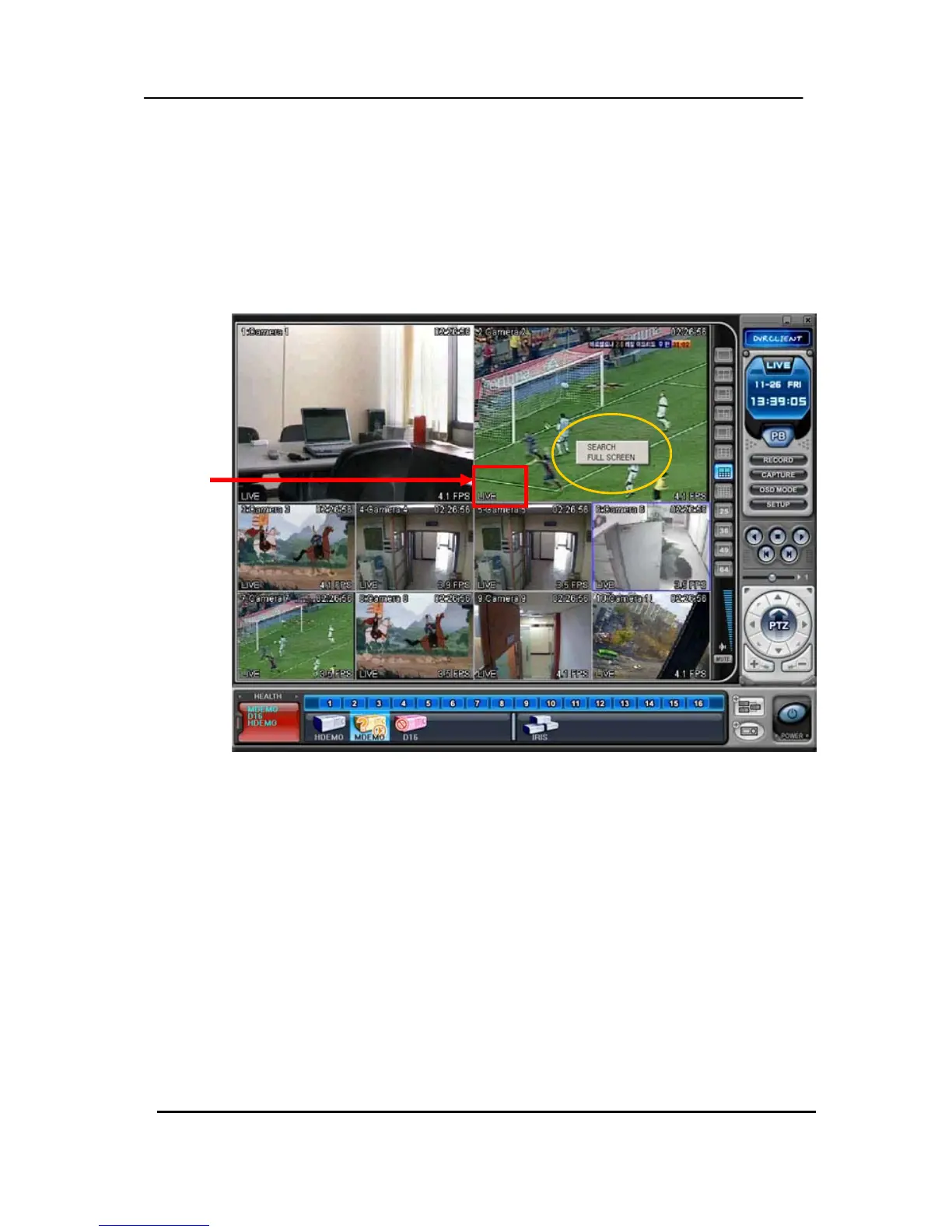
The context menu allows access to the submenus for the channel, DVR and the Virtual DVR. The
submenus allow access to various features for each individual submenu type.
(1) There are three types of Context Menu during Live Viewing. Right Clicking to display Context
Menu.
1) SEARCH: Remote Search for Playback.
2) FULL SCREEN: Full Screen Display.
LIVE



 To Next Page