BDVR Manual 25 Version 1.2
2.3 Repositioning
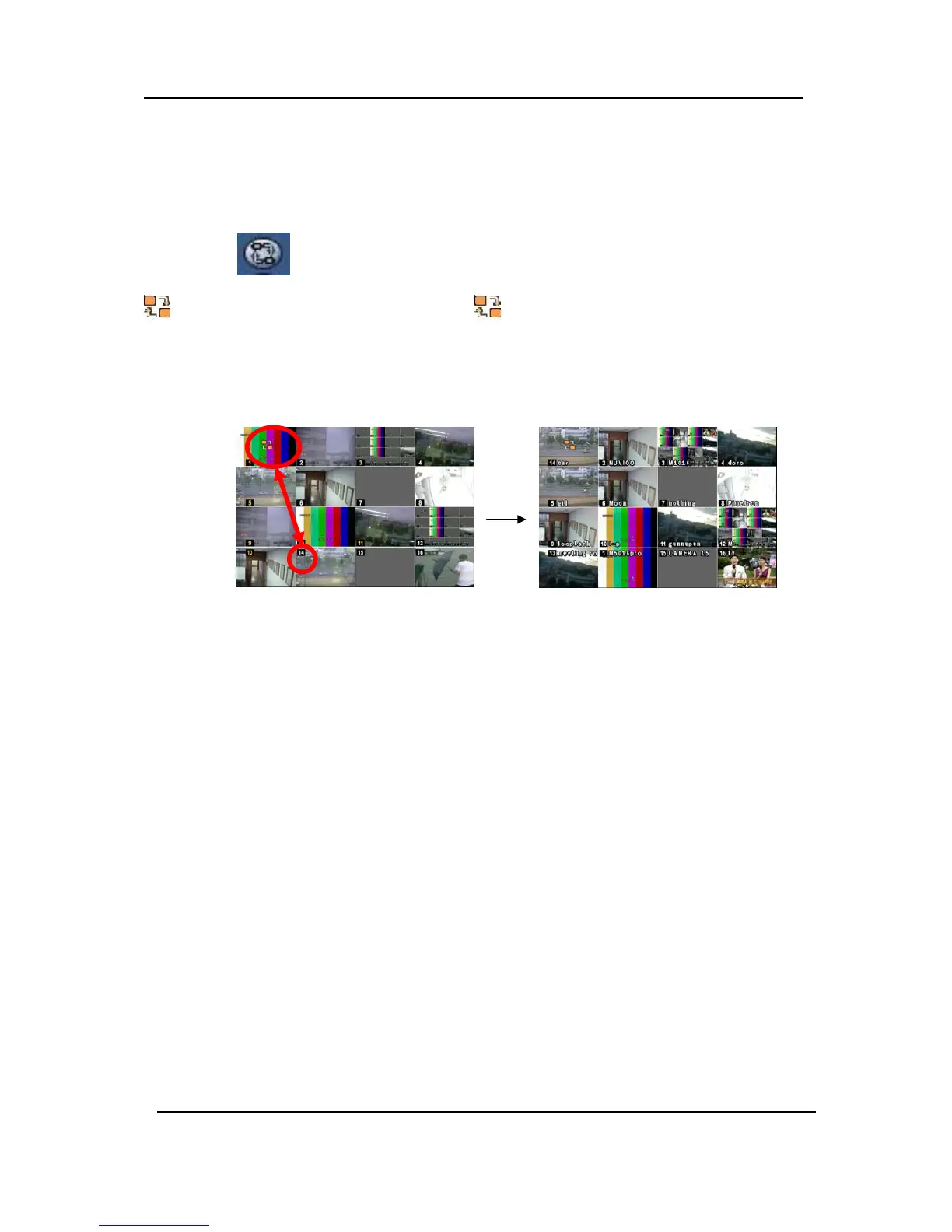
To reposition a camera view on screen.
2.3.1. Virtual Remote Controller
①
Press the button on the Virtual Remote Controller, using the mouse, and the
icon is displayed on the screen. Move the icon to the desired position by pressing the
directional buttons on the remote controller or Virtual Control Pad.
② Press a Numeric button to reposition the selected camera. Press the [Enter] button to exit here and
save the changes.
2.3.2. Mouse
Drag the selected camera to the new position using the mouse.
3. Zooming



 To Next Page