BDVR Manual 11 Version 1.2
5. . QUAD
: Press this button to display the cameras in multi-screen view.
6. . Channel / Numeric Buttons :
Press the buttons to enter data or make selections. Press “–” or “+” to enter appropriate
numbers when prompted for a password, or appropriate dates in schedule option mode.
[-, +] : To decrease settings, To increase settings
7. Remote control signal receiver :
Do not block the receiver port on the unit. Doing so may cause the remote controller to
function improperly.
8. POWER button:
Press this button to turn the power on; press again to turn the power off. The POWER LED
indicator is lit when the power is on.
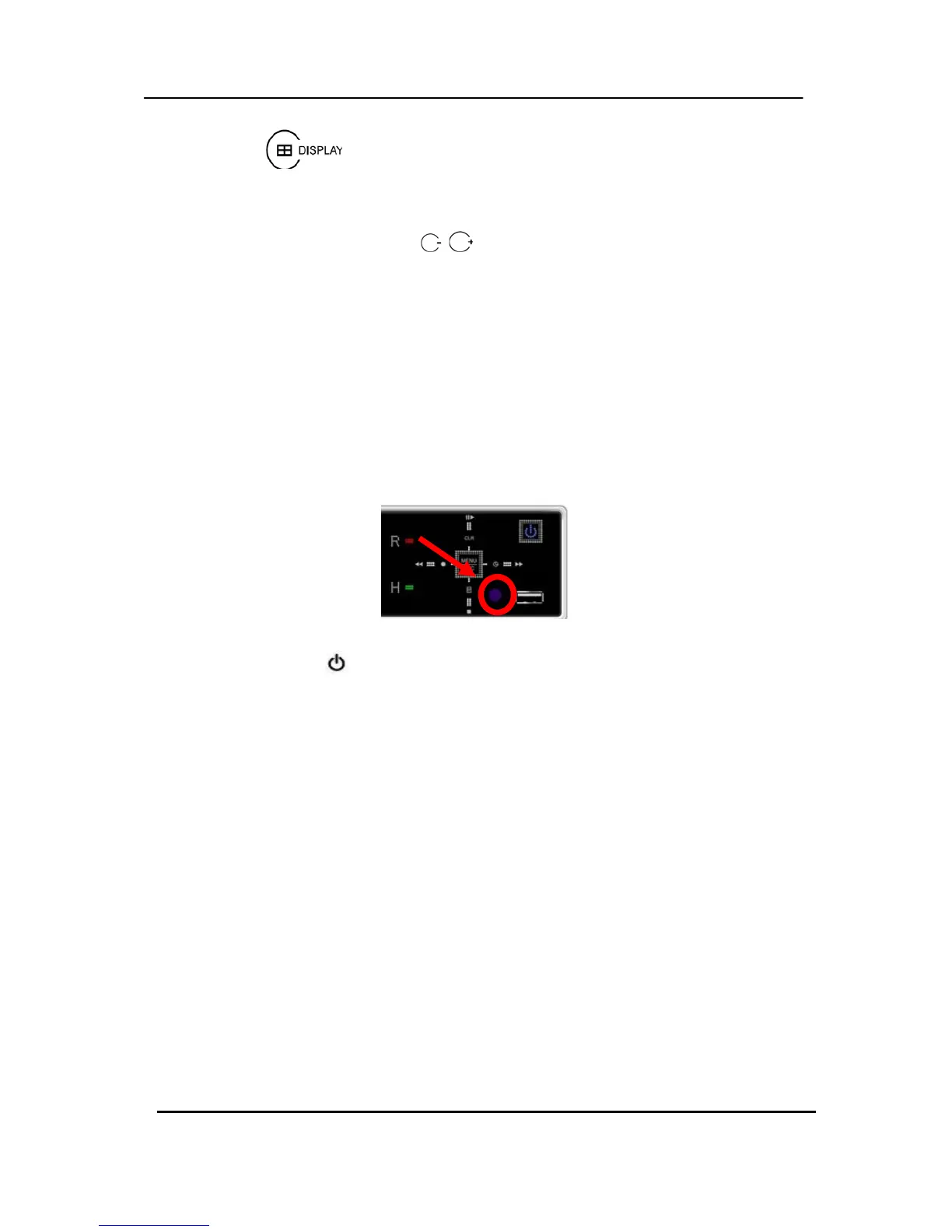
9. USB Port: USB port allows light backups of video files to devices.



 To Next Page