BDVR Manual 35 Version 1.2
5. Save changes and exit the menu, press the [ENTER] button.
6. Pressing the [REC] button lights the front panel red REC LED, and recording starts.
7. To stop Recording, press the “STOP” button on the IR remote, or the [REC] button again
on the Front Panel.
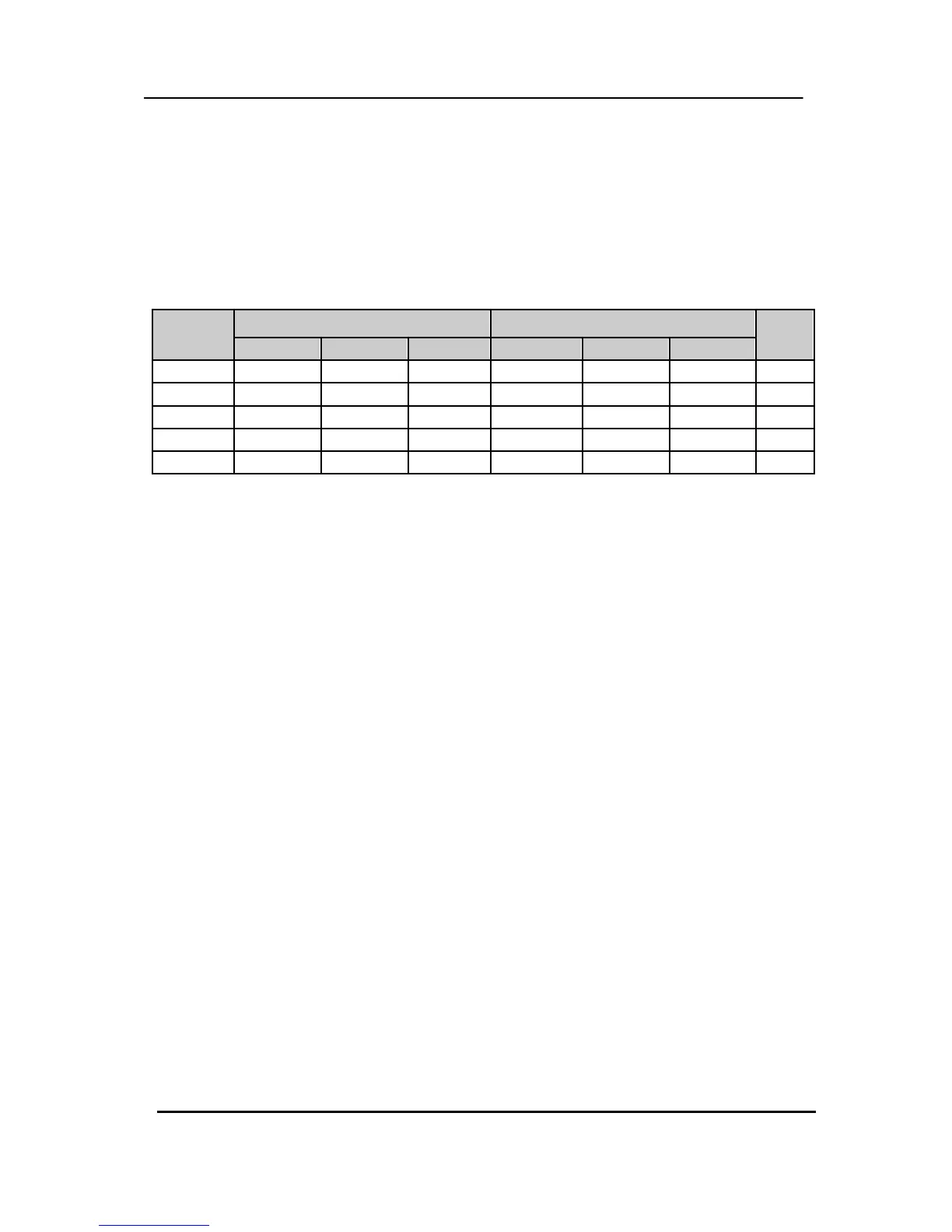
< Approximate File Size>
Quality NTSC PAL
UNIT
720x480 720x240 360x240 720x576 720x288 360x288
LOW 5.1 3.2 2.0 6.1 3.8 2.4 KB
MIDDLE 7.2 4.5 2.8 8.6 5.4 3.4 KB
HIGH 10.2 6.4 4 12.3 7.7 4.8 KB
SUPER 15.4 9.6 6 18.4 11.5 7.2 KB
ULTR
24.6 15.4 9.6 29.5 18.4 11.5 KB
* The table is a theoretical calculation because other unknown conditions can affect file
size, such as, the condition of the video signal and image noise.



 To Next Page