BDVR Manual 44 Version 1.2
The DVR’s connection port can be changed in case the default port, 7000,
cannot be opened. The DVR’s service port may be modified to allow the
CMS connection.
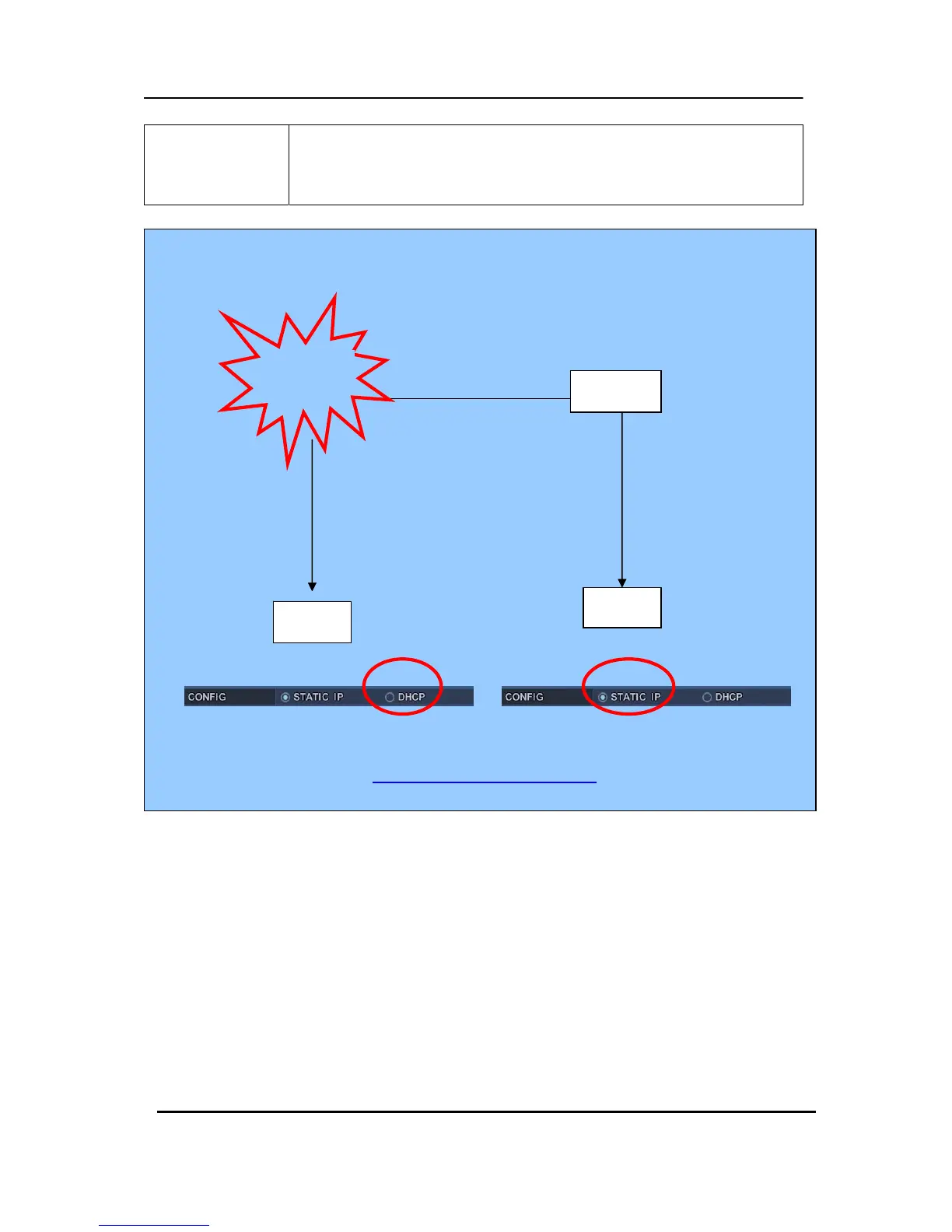
Note: How to connect the DVR via a Network using DDNS
1. Select DHCP.
2. Please check “Serial No” on System Menu.
3. Enter DNS name<ex: 0Hhttp://L10020E.dvrhost.com:7000
> on Web browser or CMS.
DVR
Router
DVR
Dynamic IP



 To Next Page