BDVR Manual 72 Version 1.2
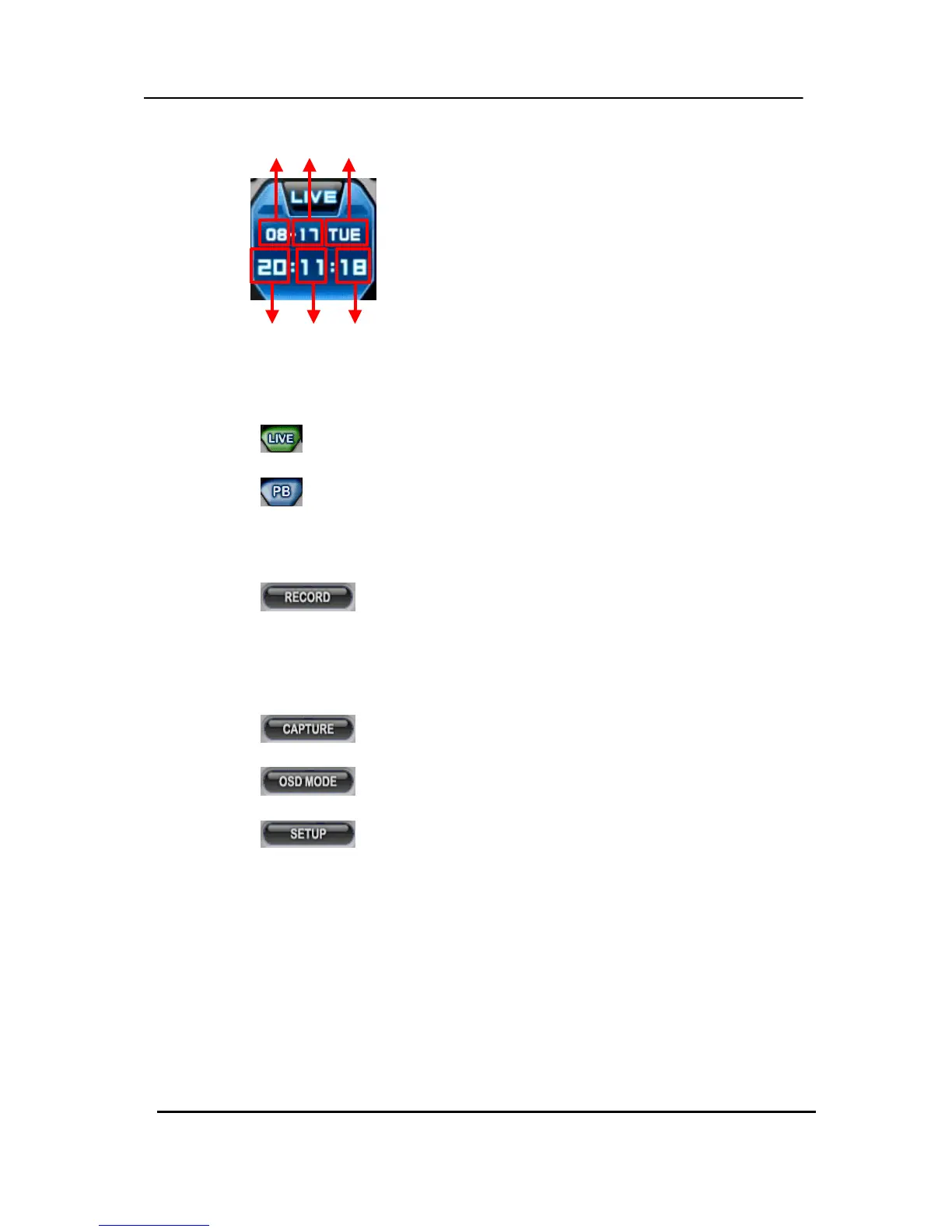
(3) Live /Playback mode Switch
a.
LIVE Viewing.
b.
Remote Playback or Playback for downloaded file.
(4) Quick Buttons
a.
Save the current live images. When the remote recording is in
progress,
the record button changes colour to cyan.
(Default Location: C:\Program Files\DvrPlayer\Download )
b.
Save a snapshot image or print current monitoring image.
c.
OSD On/Off button.
d.
CMS Setup.
* CMS Setup
① General 1
Month Day Day of Week
Hour Minutes Seconds
a) OSD SETUP
Select On-Screen-Display information, such as the
Time, DVR Name, Camera Number, Camera Name
and Frame Rates for each camera.



 To Next Page