BDVR Manual 75 Version 1.2
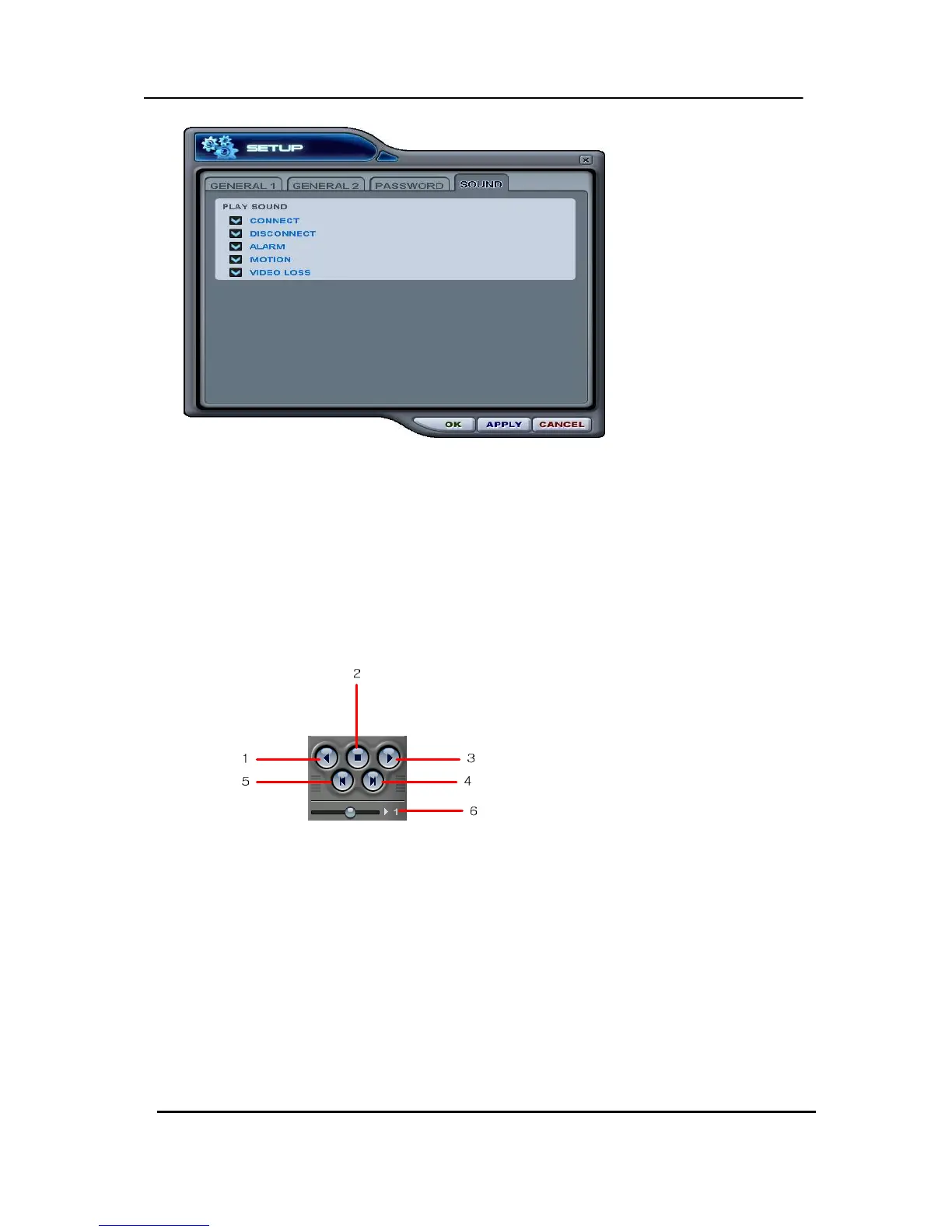
• Connect: CMS emits a sound when a DVR connects.
• Disconnect: CMS emits a sound when a DVR disconnects.
• Alarm: CMS emits a sound when an alarm is triggered from the DVR.
• Motion: CMS emits a sound when the DVR detects a motion.
• Video Loss: CMS emits a sound when there is a Video Loss.
(5) Playback Control Buttons
- These buttons only function when reviewing downloaded files.
1. . To begin reverse playback, press Reverse Play button
2. To stop playback, press the STOP button.
3. To start playback, press the PLAY button.
4. To view the field directly before the field you watched.
5. To view the field directly after the field you watched..
6. To Control playback speed on Local DVR mode.
(6) PAN/TILT Control Button



 To Next Page