BDVR Manual 77 Version 1.2
Focus Auto
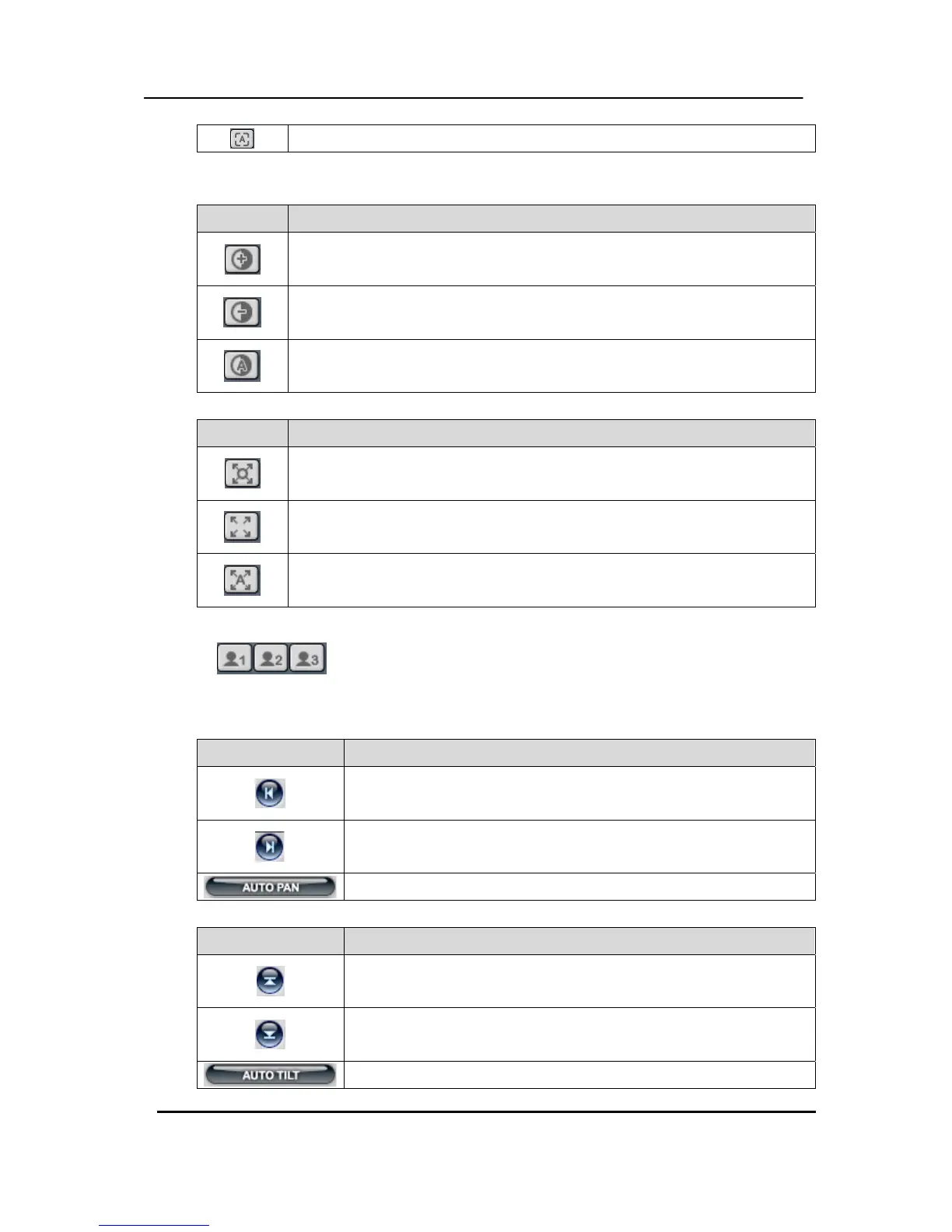
c. Iris
Indicator Resulting Action
Iris Open
Iris Close
Iris Auto
d. Tour
Indicator Resulting Action
Set Tour by clicking. Tour depends upon the address range of the connected
Pan/Tilt Camera.
Go To, Calls up preset
Start Automatic Tour
e. Special Function Key
Have various functions dependant upon PTZ camera.
f. Auto Pan
Indicator Resulting Action
Set Auto Pan to left boundary.
Set Auto pan to right boundary.
Run Auto Pan function.
g. Auto Tilt
Indicator Resulting Action
Set Auto Tilt to upper boundary.
Set Auto Tilt to lower boundary.
Run Auto Tilt function.



 To Next Page