BDVR Manual 91 Version 1.2
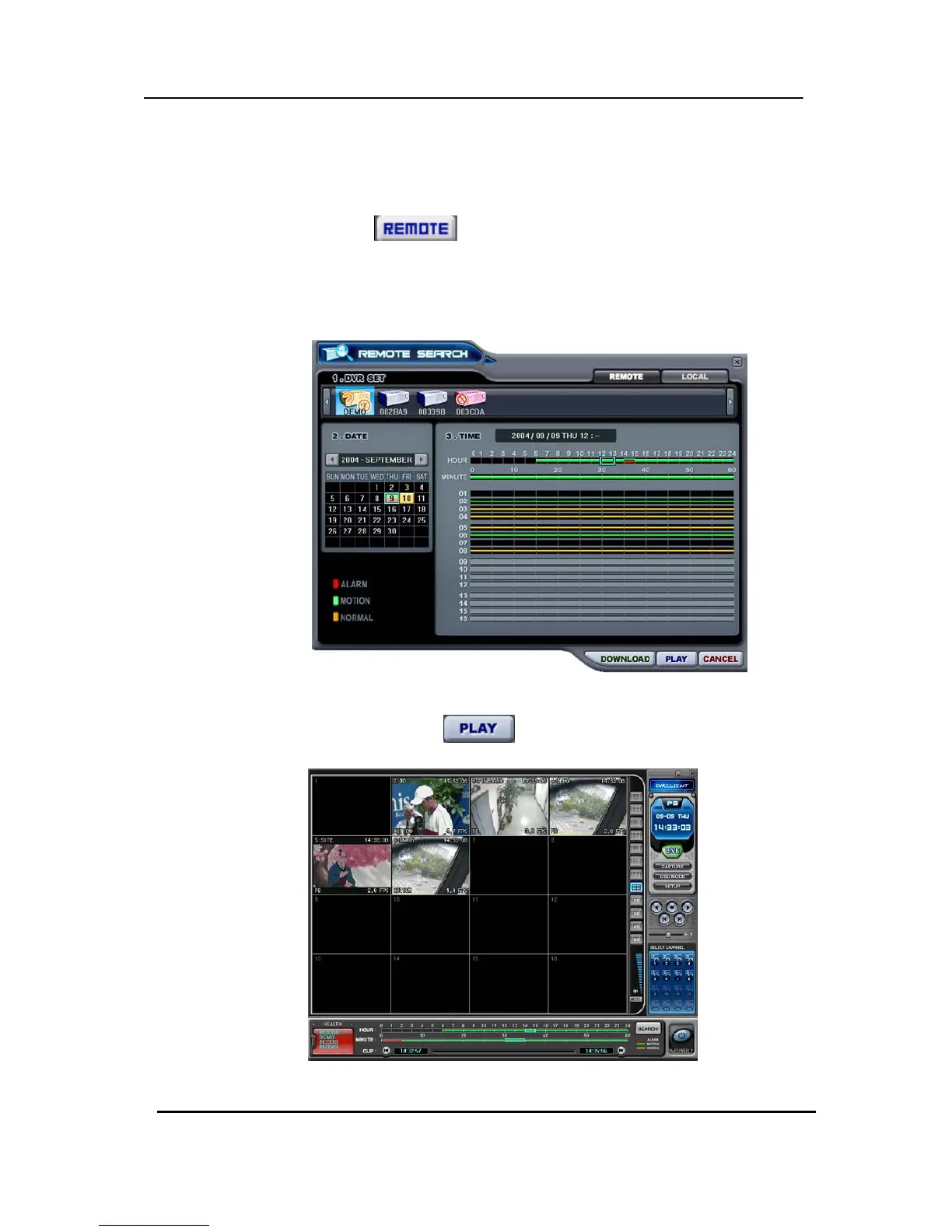
1) Remote Playback
Remote Playback is provided so users can directly playback the stored video (on the
internal HDD), via the CMS.
① Select the
button and the desired DVR.
② Remote Search shows a graphical representation of the recorded video
stored on the DVR. The Data is colour-coded by category: Alarm (Red), Motion
(Green) and Normal (Yellow).
③ Select Date and Time. By Clicking and dragging, it is possible to select longer
periods of time. Click the
button to start playback.



 To Next Page