32 DIGITAL VIDEO RECORDER
7. To Record stop, press the “ STOP” button on IR remote or [REC] button again on Front
Panel.
<Note> Estimated Recording Time varies due to picture quality and capture rate and is
updated every 10 seconds due to variation of picture size.
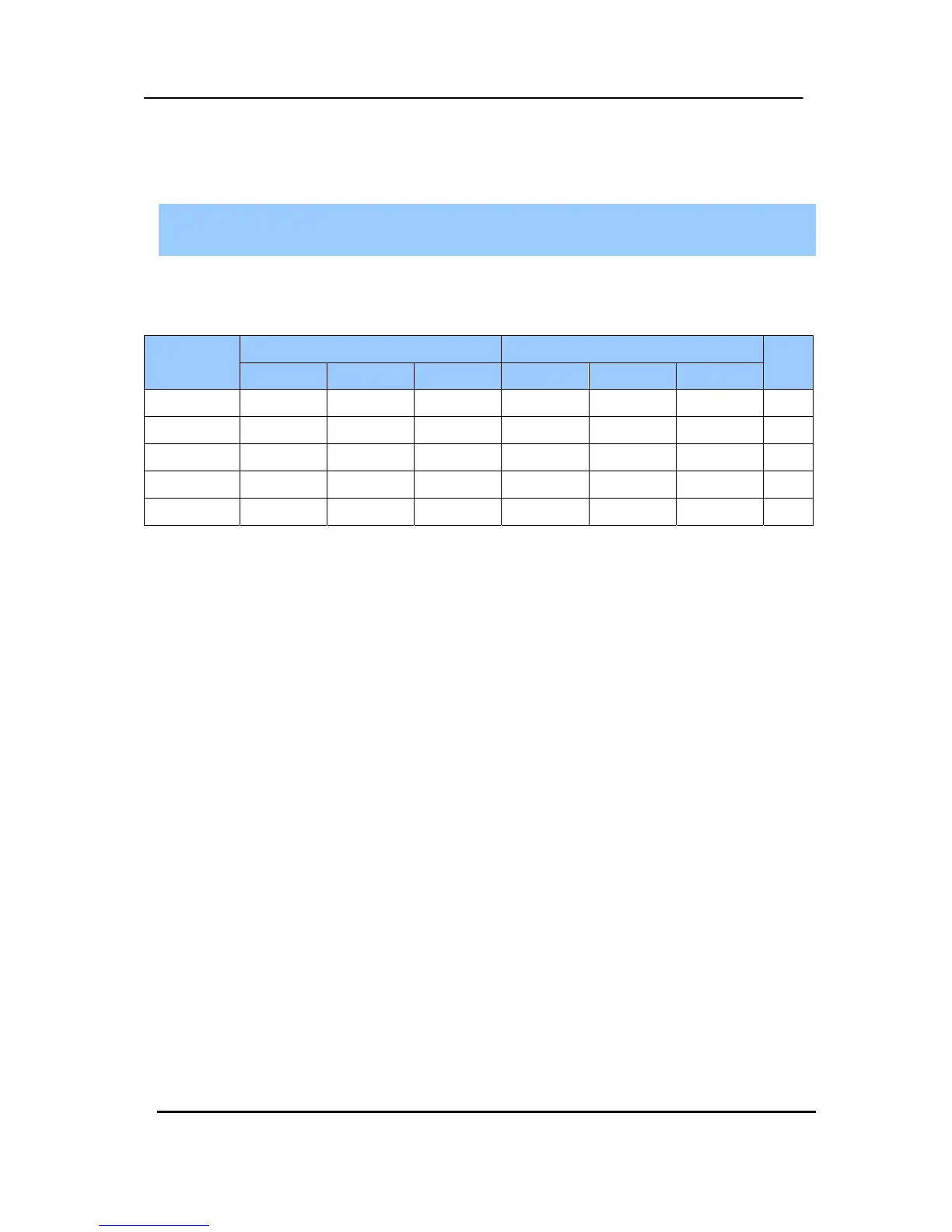
< Approximate File Size>
Quality NTSC PAL UNIT
720*480 720*240 360*240 720*576 720*288 360*288
LOW 6.5 4 2.5 8 4.8 3 KB
MIDDLE 9 5.5 3.5 10.8 6.6 4.2 KB
HIGH 13 8 5 15.6 9.6 6 KB
SUPER 19 12 7.5 22.8 14.4 9 KB
ULTRA 30 19 12 37 22.8 14.4 KB
* It is calculated by theoretical, therefore it may be different depends on Video Signals or
other conditions in actual.



 To Next Page