84 DIGITAL VIDEO RECORDER
3.6. Playback
DVRs that have been added onto the DVR window using the DVR Set List Manager can be accessed
in Playback Mode for remote playback or to download the files onto the remote PC. Unlike the live
mode, only one DVR can be accessed at a time
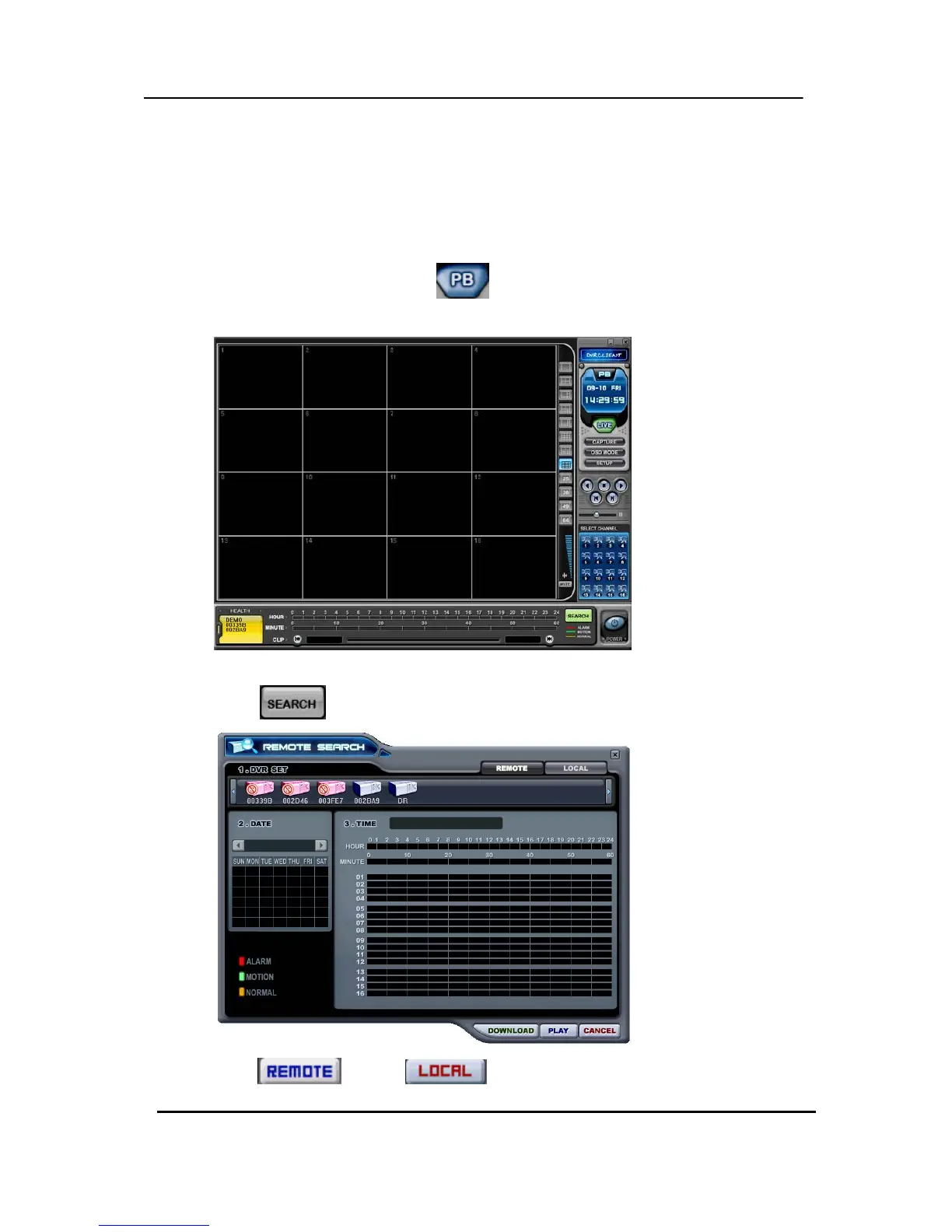
(1) To start playback, press PB button
.
(2) It will be switched to Playback Mode, as shown below.
(3) When
button pressed, Remote Search Menu will appear.
(4) Select
button or button for playback.



 To Next Page