51 DIGITAL VIDEO RECORDER
VI.PAN/TILT ZOOM CONTROL
1. P.T.Z .Menu
1. To activate the Pan/Tilt Control, select the full screen display of the camera you wish
to control.
2.
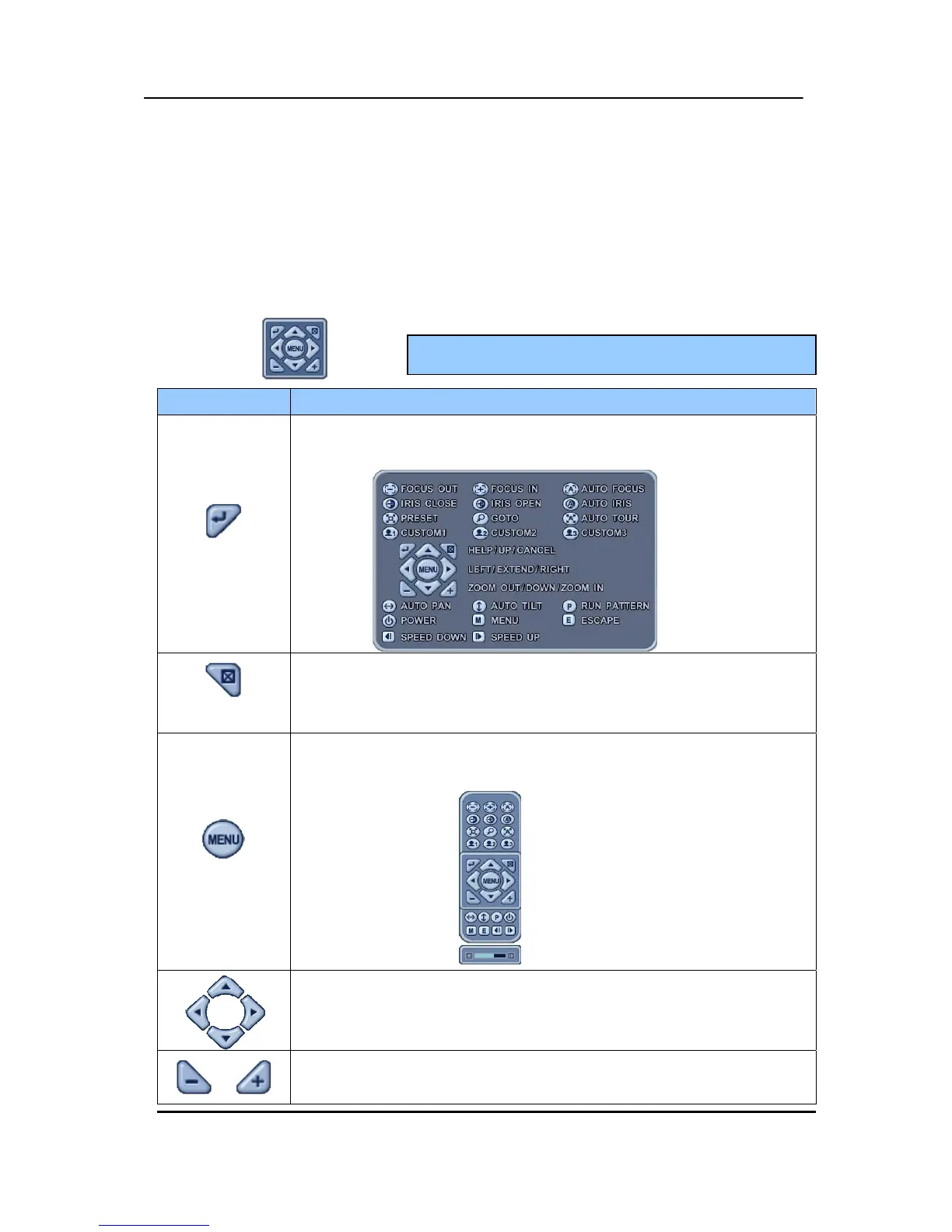
Then press the [P/T/Z/FOCUS] button. Shortcut Menu box pops up, as shown below.
INDICATOR RESULTING ACTIONS
[ENTER] Button
y Press this button to display “HELP” Menu. Press [ENTER] Button again, or
[CANCEL] button to cancel Help Menu.
[CANCEL] Button
y Press this button to cancel “PAN/TITL” Operation.
[MENU] Button
y PTZ camera control interface will be extended to use whole function. Press
this button again to make short-cut menu.
y To Tilt up and Down.
y To pan Right and Left.
y Zooming In and Out.
<Note > Please Refer to Help Menu for specific control.



 To Next Page