79 DIGITAL VIDEO RECORDER
3.3. Indication of Camera
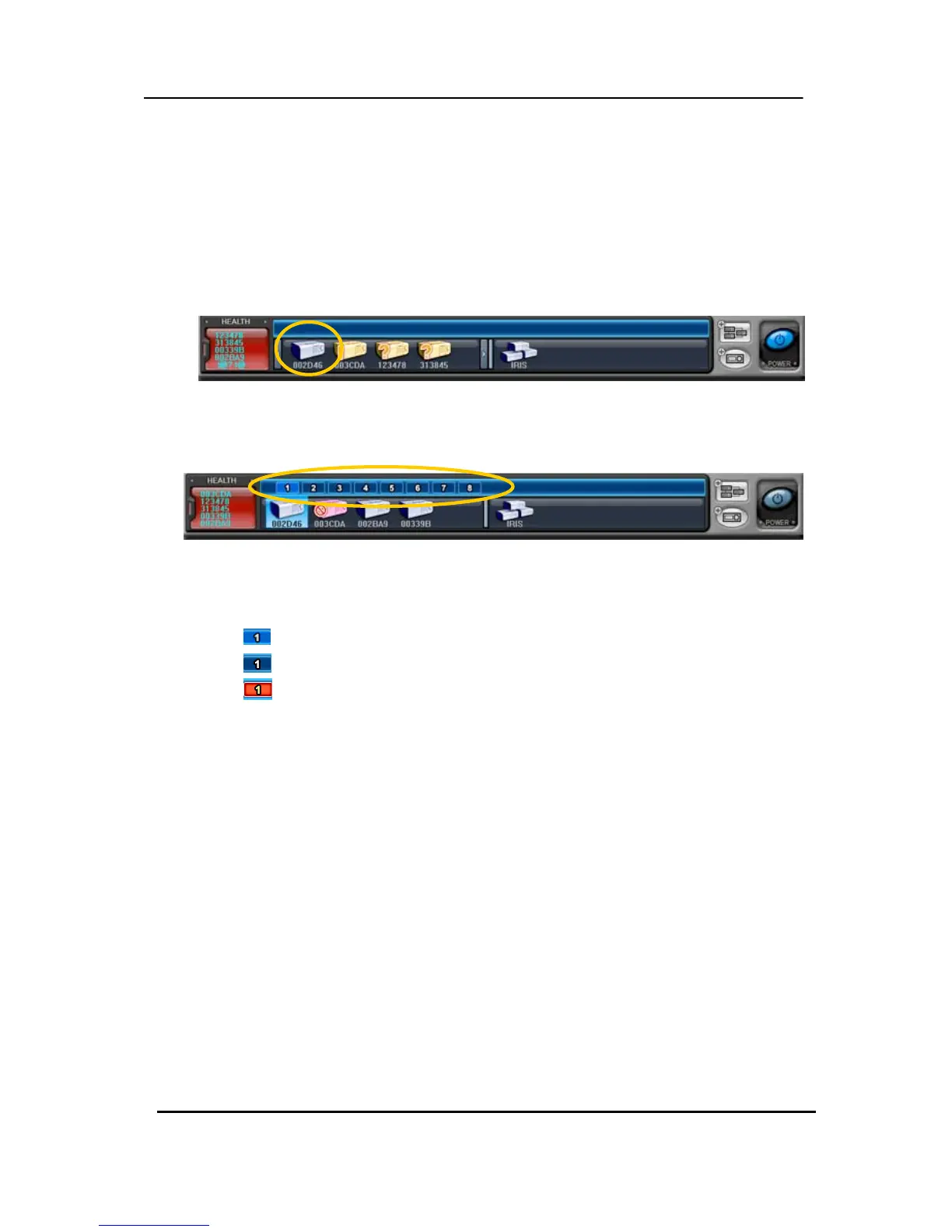
In addition to the Health Status Report and supplementary information from the DVR icons
in DVR window, the Camera Status Bar displays the status of individual cameras. The cameras
are displayed according to the channel.
(1) Click the desired DVR
(2) then it shows the information of camera.
(3) Each Icon means listed below.
1)
(Blue) : Video Input is connected without recording.
2)
(Dark Blue) : Video Loss
3)
(Red) : Recording the current channel.



 To Next Page