43 DIGITAL VIDEO RECORDER
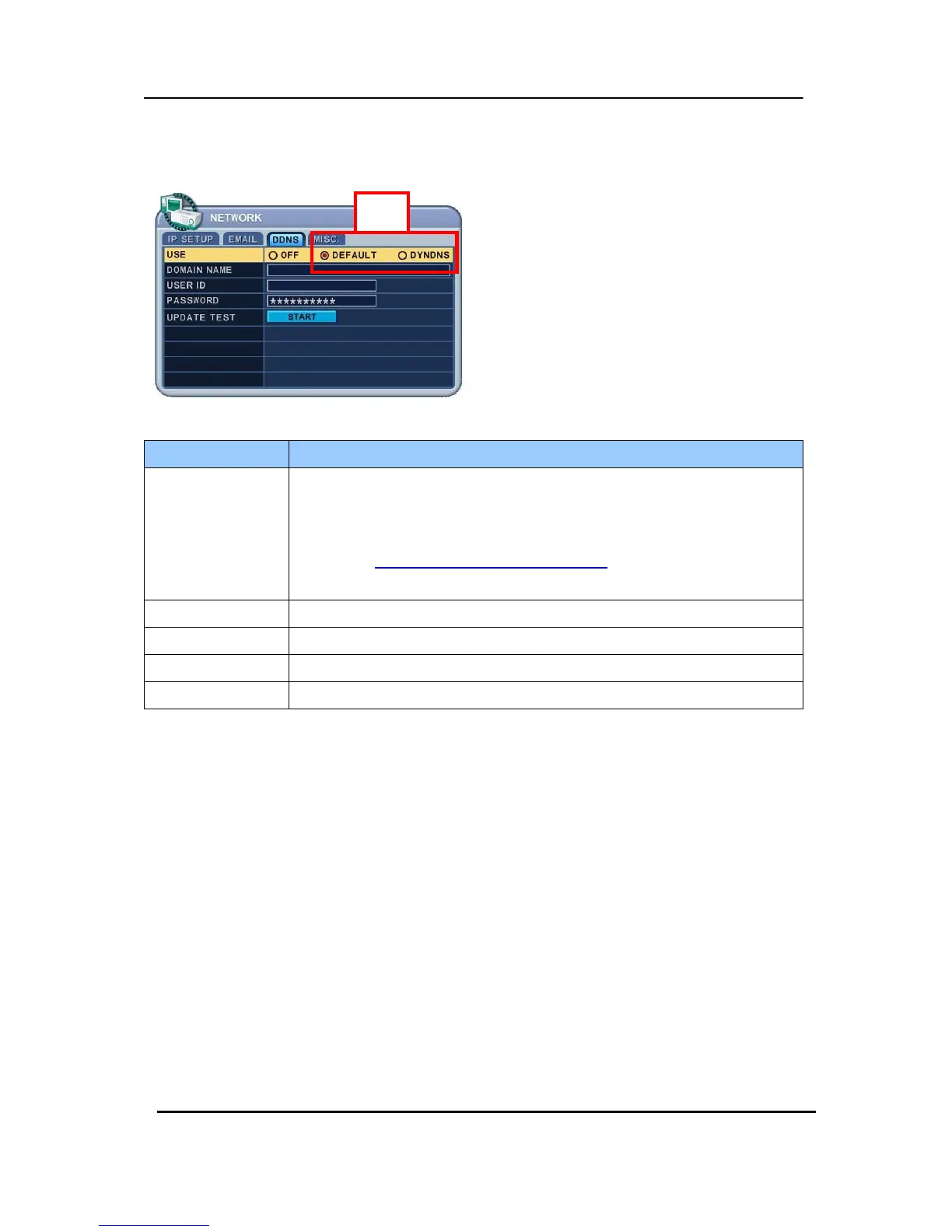
8.3 DDNS
ITEM ADJUSTMENT
USE
y OFF : NO use of DDNS
y DEFAULT : use default “dvrhost.com” domain name.
If your DVR’s host name(SYSTEM >INFO) is L50AD25, Your DVR’s DDNS
address is http://L50AD25.dvrhost.com:portNO
.
y DYNDNS : to use “Dyndns.com” domain.
Domain Name y Enter your domain name if you use “Dyndns” or your own Domain.
User ID y Enter user ID for DDNS.
Password y Enter user PW for DDNS
Update Test y Test your DDNS address.
ON



 To Next Page