74 DIGITAL VIDEO RECORDER
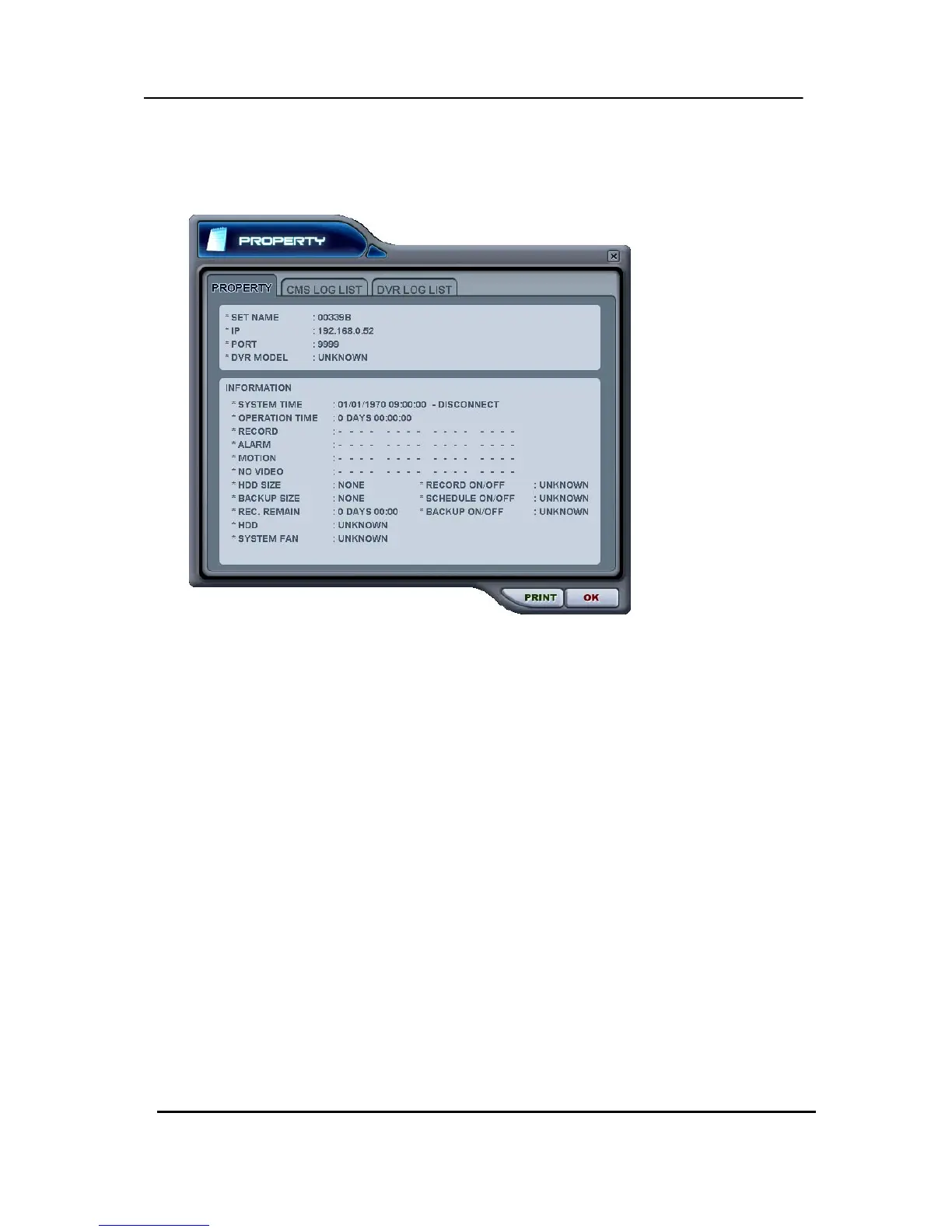
** DVR Property
The Property of DVR can be viewed by Double Click “DVR NO or DVR NAME”.
This menu provides information such as listed below.
a. DVR MODEL
b. SYSTEM TIME: Display the time and date of DVR
c. RECORD : Configure current Normal recording channel.
d. ALARM : Configure current Alarm recording channel.
e. MOTION : Configure current Motion recording channel.
f. VIDEO LOSS : Configure current Video Loss channel.
g. HDD SIZE : Available HDD/ Total HDD
h. BACKUP SIZE : Available USB HDD/ Total USB HDD
i. REC. REMAIN : Estimated Remaining Recording Time
j. HDD : It shows defect of Hard Disk.
k. SYSTEM FAN : It shows defect of FAN. (Not supported in this model.)



 To Next Page