77 DIGITAL VIDEO RECORDER
(3) DEL FROM LIST: Delete selected DVR from CMS List.
(4) SETUP: It shows the menu setting of selected DVR.
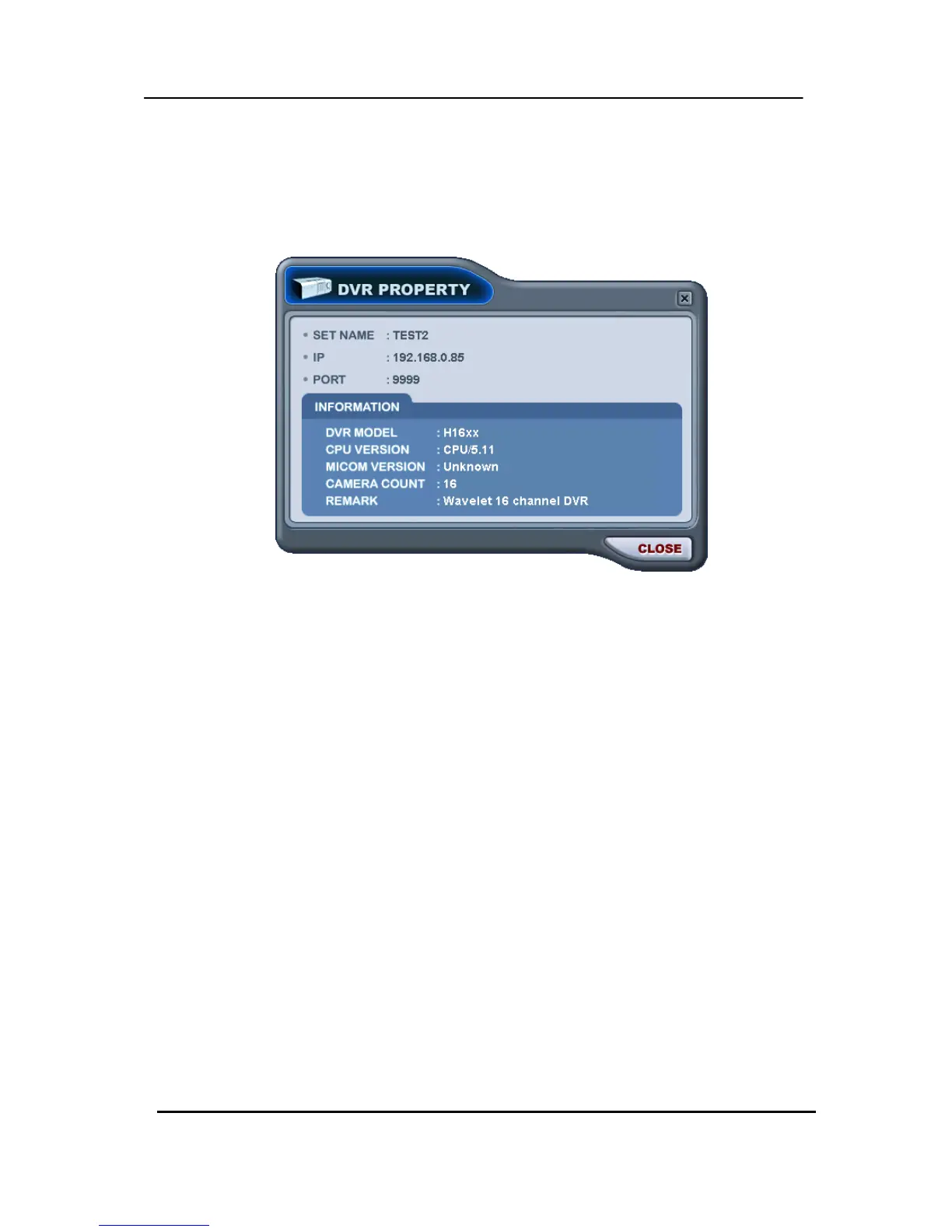
(5) PROPERTY: This menu provides information such as DVR Name, IP number & port,
Software version, and what kind of DVR is.



 To Next Page