86 DIGITAL VIDEO RECORDER
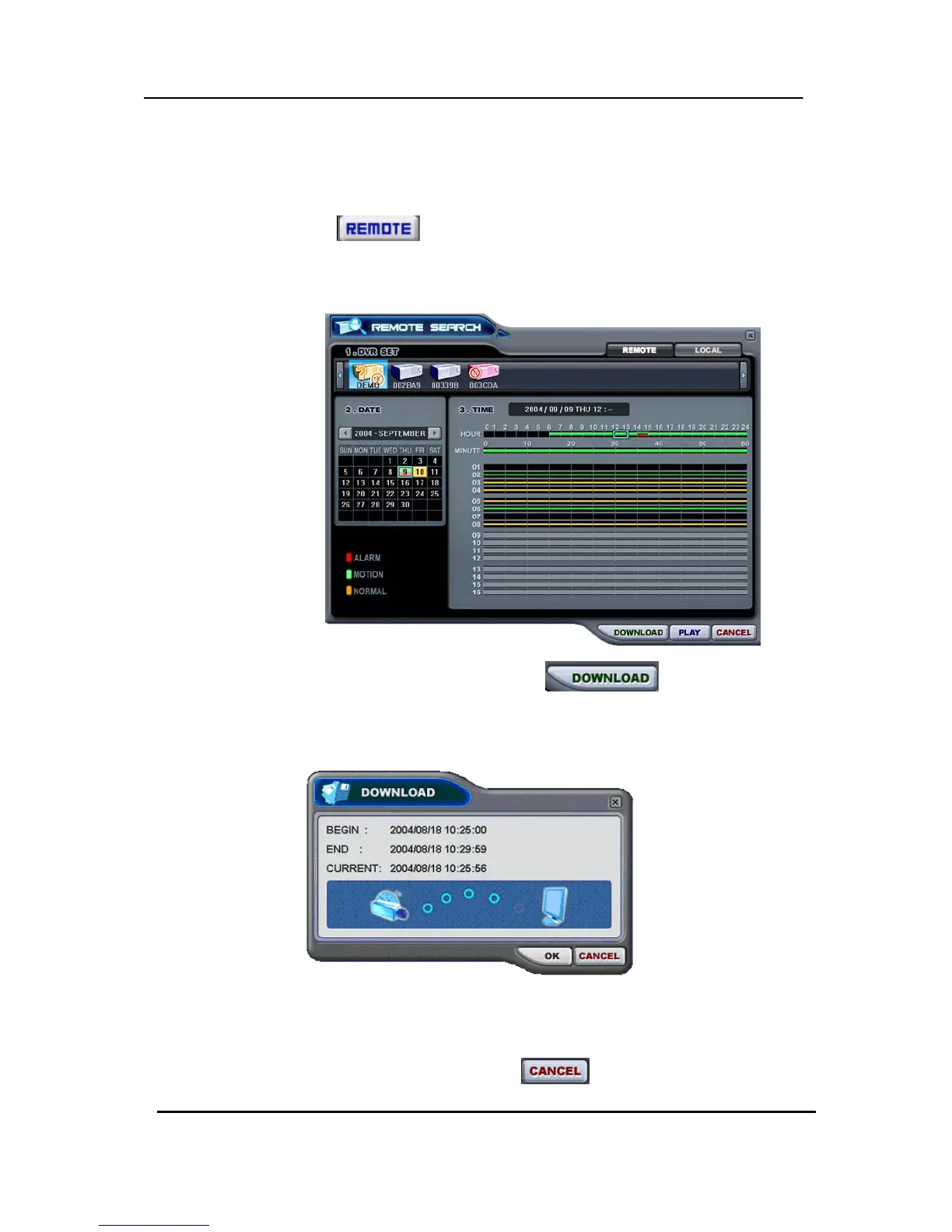
2) Remote Download
Remote Download is provided so that users save on remotely connected computer
through CMS.
① Select
button and desired DVR.
② Remote Search shows a graphical representation of the recorded video stored
on the DVR.
③ Select desired date and time and click
button to start save. It
will be saved on “C:\Program Files\DvrPlayer\Download”. Download directory
can be changed on CMS Setup Menu .
a. BEGIN – END: Indicate the Start time and End time of selected File.
b. CURRENT : Indicate the time of current downloaded file.
c. Download Cancel: Select



 To Next Page