English
-34-
NOTE
Before you perform the DPOF settings on your camera, always remember to copy your
images from the internal memory to an SD memory card first.
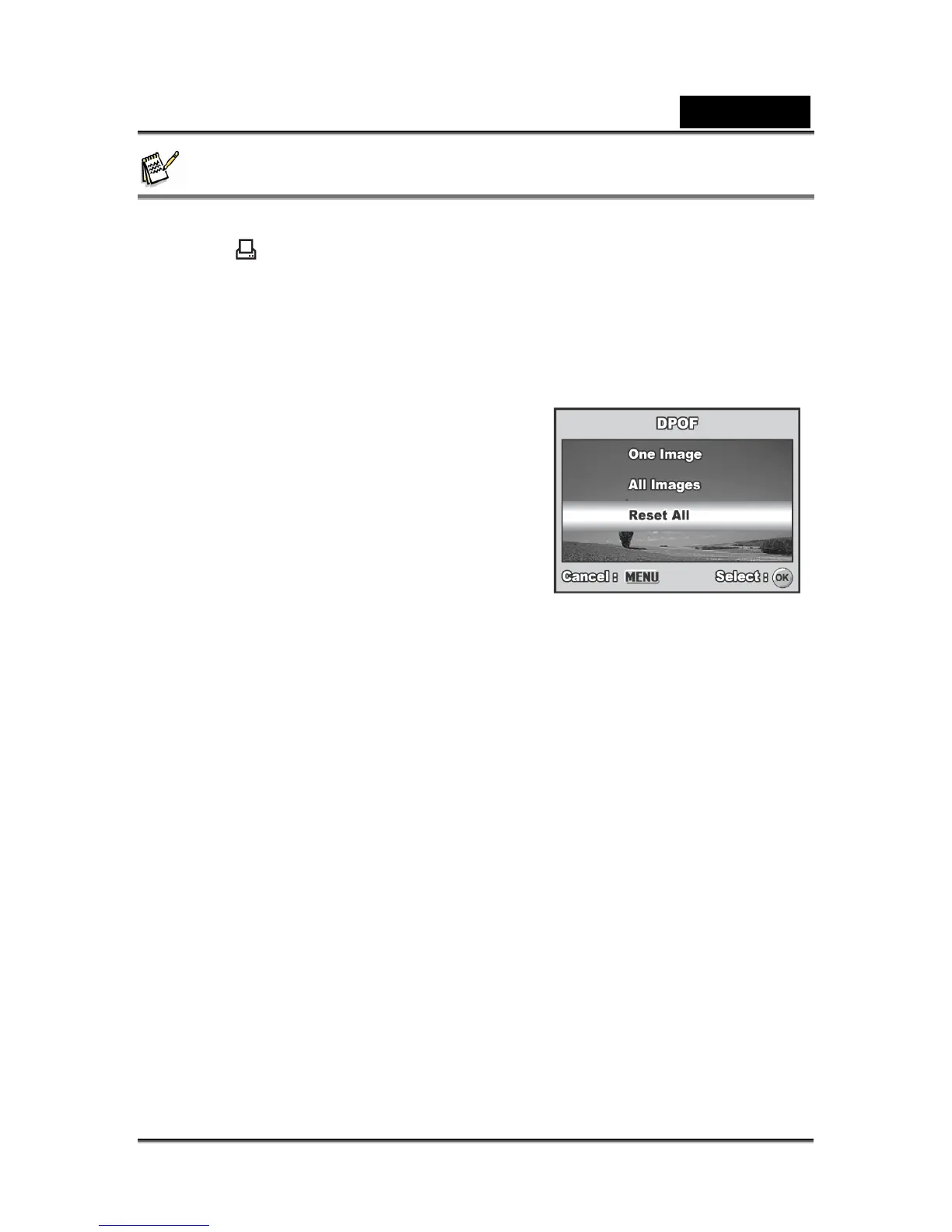
The print icon will appear on the LCD monitor screen indicating images selected for
printing.
You cannot print movies.
Depending on the printer or printing equipment at the photo processing lab, the date may
not be imprinted on the pictures even if the DPOF settings are made.



 To Next Page