Comander Perimeter Security System
Engineering and Installation Manual
Page 42 of 72
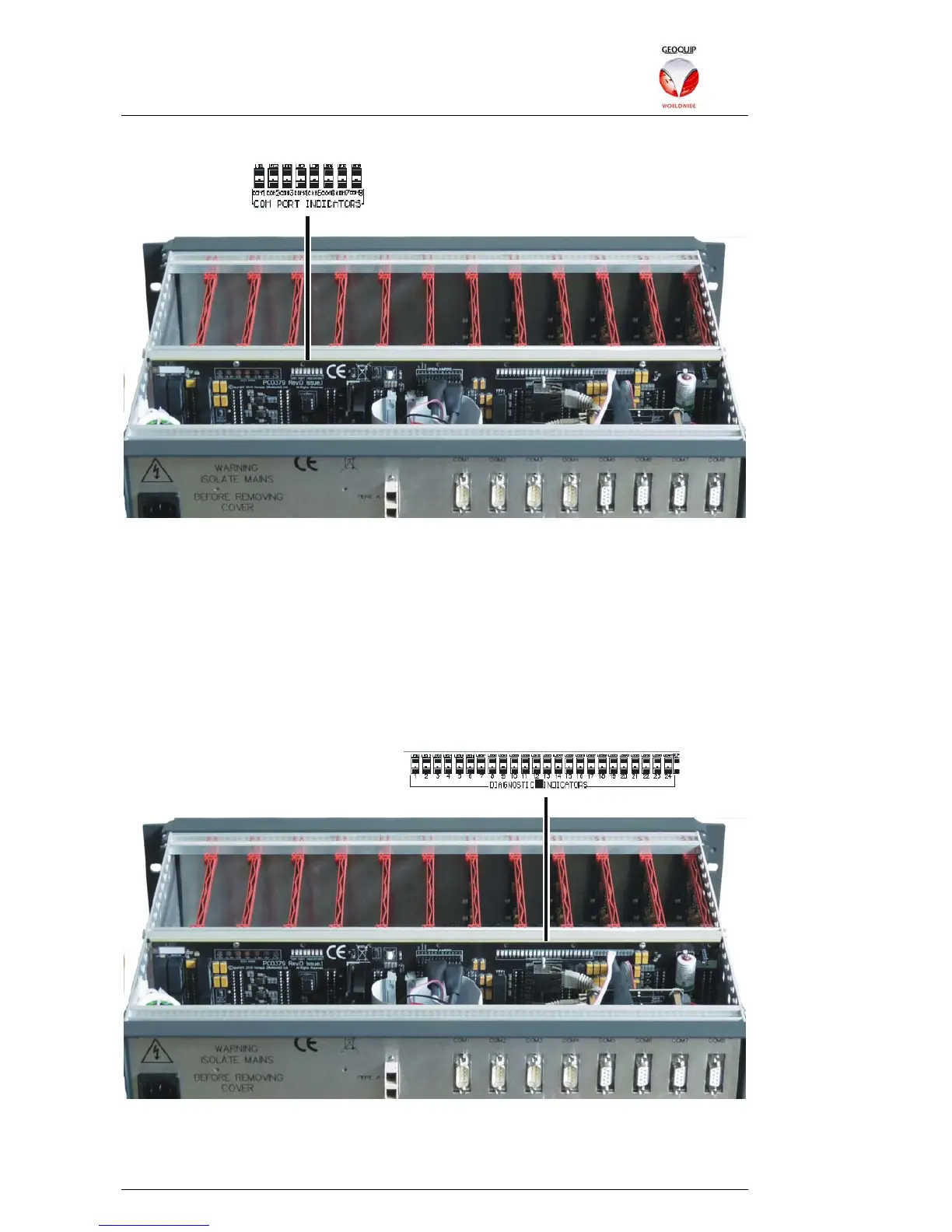
3.1.2.1 COM Port LEDs
The red COM port LEDs are numbered 1-8, and indicate the status of the Comander's
corresponding COM port. A LED coming ON indicates that a TCP or SSL connection
has been opened on that COM port. Blinking indicates traffic on the port.
If UDP/IP has been selected on a given COM port, then the RED LED will always be
ON, blinking OFF to indicate traffic.
If COM port LED is OFF, this means that the connection is closed or the port is not in
use.
3.1.2.2 Status LEDs
The Status LEDs are located to the right of the COM port LEDs:
The LEDs are numbered 1-24, indicating status as follows: those with no entry in this
table are unused.



 To Next Page