Getting Started
31
2
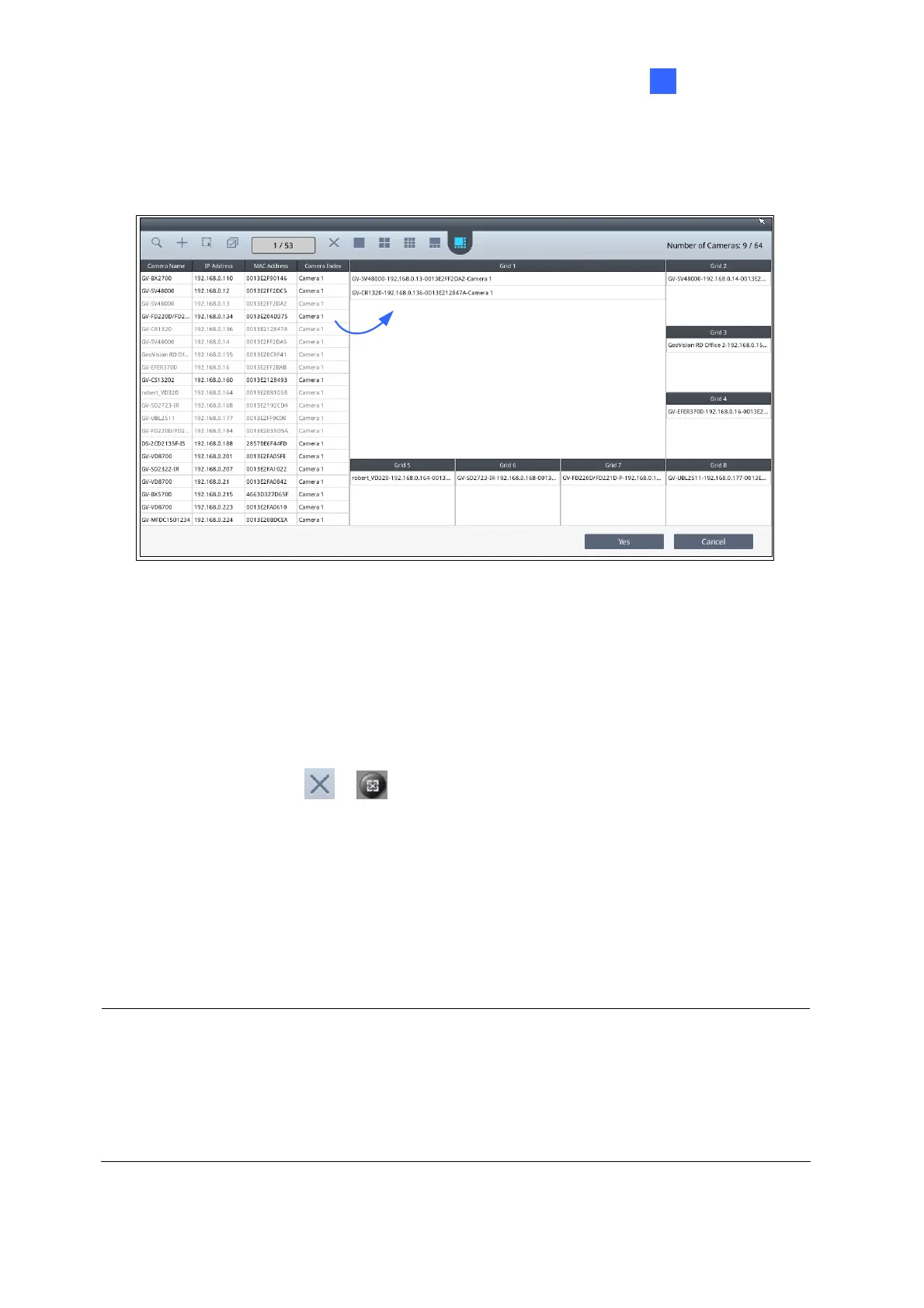
6. Drag and drop an IP device from the camera list to the grid. To select multiple cameras at
a time, click Select Multiple Cameras on the top.
Figure 2-11
7.
To adjust the display order of the cameras, right-click the camera and click Move Up or
Move Down
.
8.
To remove a camera, right-click the camera and click the Delete button.
9.
To delete all the added devices at once and change the layout to the single division, click
the Delete All button
/ .
10. Click Yes or Save to apply the settings.
The selected channels will be displayed on the monitor and be looped at an interval of 30
seconds by default. To change the looping interval, right-click the camera and click Edit.
Note:
1. Refer to 3.1 Live View for the maximum resolution supported in different live view layout.
2.
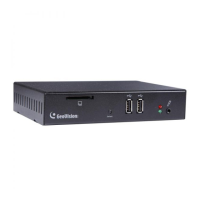
Fisheye dewarping is only supported by GV-IP Dec
oder Box Plus. To dewarp the fisheye
view, you need to choose 1-division layout or assign the camera to Grid 1 of the 4-
division view.


 To Next Page
 Loading...