X350 3D-Printer Quick Start Guide
Seite: 8/29
Stand: 2016/03/24 13:55
© German RepRap GmbH 8/29
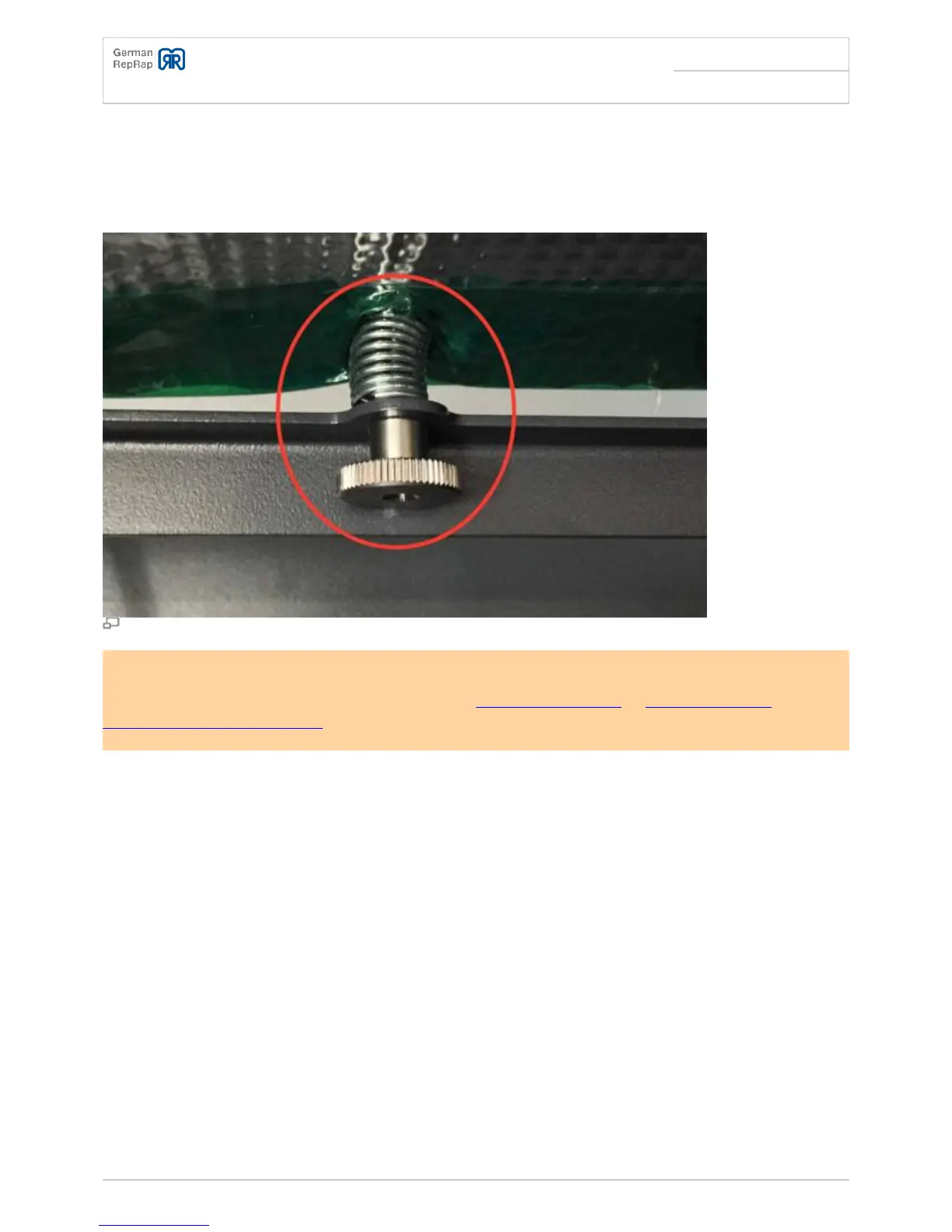
Now move the printing head close to each holding point above the adjusting screws, and fasten or
●
loosen the knurled nut a bit until only one sheet of paper (80g/sqm, copy paper) would fit between
the nozzle tip and the printing bed.
Also check other randomly chosen positions for the printing head
●
Repeat until the distance is identical in any position.
●
Printing bed adjusting screws
Re-level the printing bed if you set the temperature of the printing bed to an entirely different value.
This is the case, for example, when switching from PLA (Polylactic acid) to ABS (Acrylonitrile
butadiene styrene-copolymer) or vice versa.
Stripping container, setup and removal
Adjust the distance of the perforated plate so that the nozzle has a distance of about 1mm to the
plate. Use the knurled nut to adjust the height.



 To Next Page