X350 3D-Printer Quick Start Guide
Seite: 12/29
Stand: 2016/03/24 13:55
© German RepRap GmbH 12/29
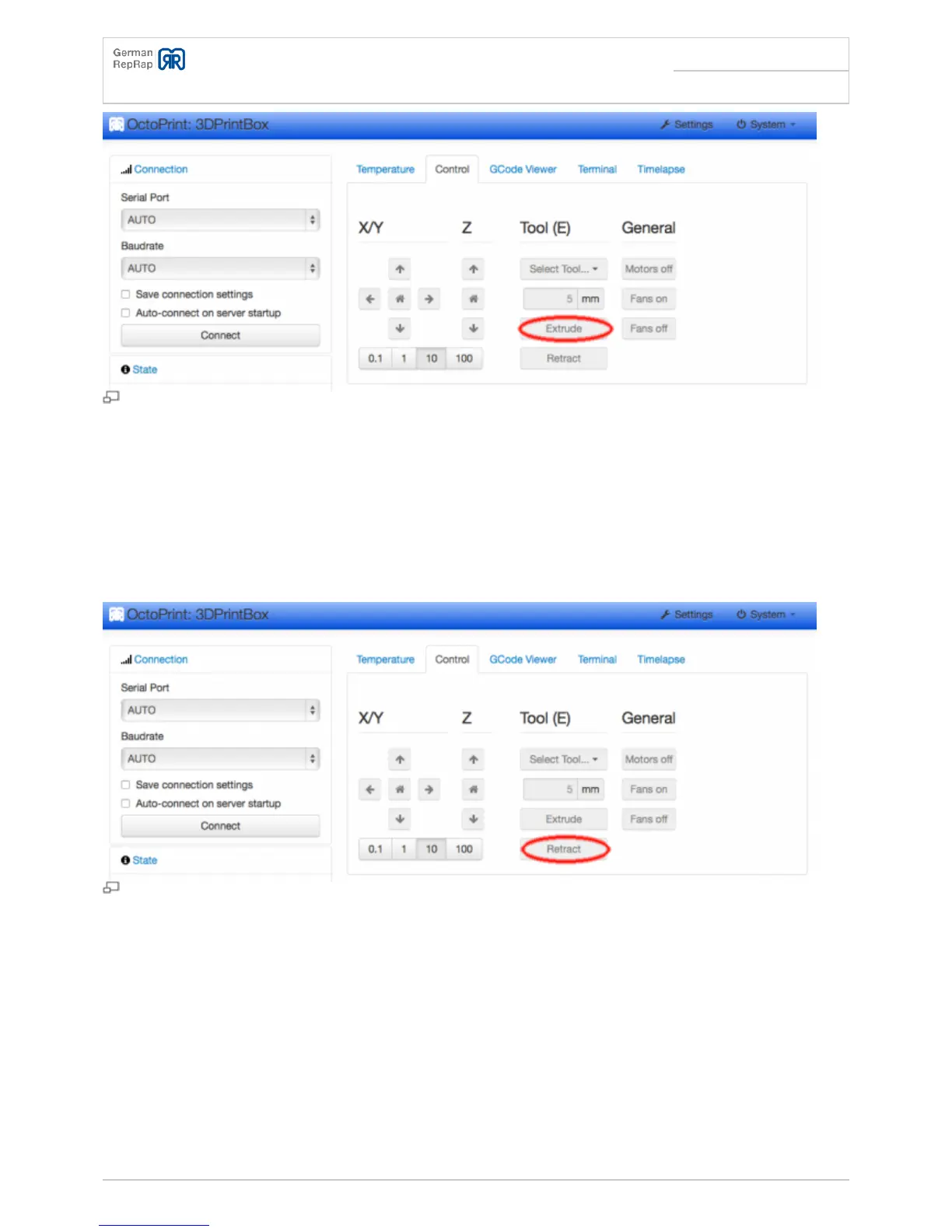
Manual extrusion
Removing the filament
In order to “unload” the filament, take the steps in reverse. Heat up the extruder until it reaches the
target temperature, and let it spin backwards until you can pull the wire out of the filament lead by
hand. Afterwards, turn of the extruder heating.
Manual retract
Changing the filament
The filament change is in principle done the same way as loading or unloading the wire. However, you
have to adjust the temperature of the extruder to the “higher grade” material. For example, if you
change PLA to ABS, you need a temperature of 250°C. Once you inserted the new material, extrude it
by hand until there are no remains of the previous material coming out of the nozzle anymore.
Afterwards, turn the extruder heating off.



 To Next Page